Free tool
YouTube banner maker
Make a channel banner at 2560 x 1440. The preview marks the 1546 x 423 area that every device shows, so your title and logo stay visible on phones, desktops and TVs.
The tool loads here. It needs JavaScript, and runs in your browser.
Our example
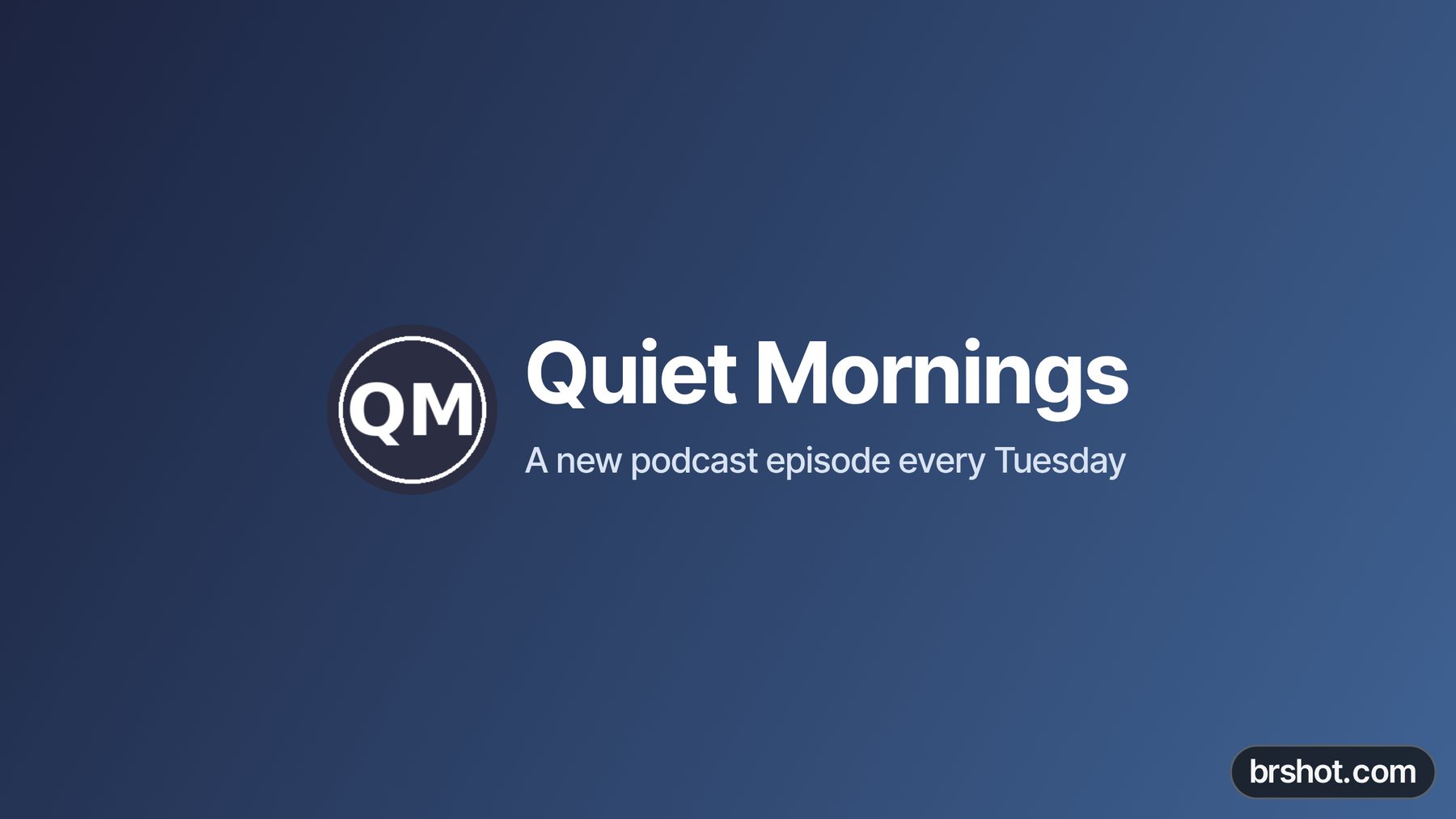
What it is good for
- Make a channel banner for a new YouTube channel.
- Put your upload schedule or a launch date on your channel page.
- Match your banner to your brand colours and logo.
- Turn a wide photo into a banner, with your name on it.
How it works
- Pick a background: a gradient, one colour or your own image. Drag the image on the preview to move it.
- Write your title and subtitle, and pick the font, size and colour.
- Add your logo if you want one. Keep everything inside the yellow box.
- Press Download PNG, then upload it in YouTube Studio under Customization, Profile.
Facts
| Price | free |
|---|---|
| Where it runs | in your browser; nothing is uploaded |
| Size | 2560 x 1440 px, the size YouTube recommends for a banner |
| Safe area | 1546 x 423 px in the centre: what every device shows. Desktops show a band about 2560 x 423; TVs show the whole image |
| Guides | on the preview only; turn on “Show guides in the download” if you want them in the file |
| Output | PNG; a JPG instead if the PNG is over 6 MB, YouTube's limit for a banner |
| Mark | a small brshot.com mark in the bottom-right corner of the image it makes |
Questions
- What size is a YouTube banner?
- 2560 x 1440 px is the recommended size. YouTube's minimum is 2048 x 1152 px, and the file must be 6 MB or smaller.
- What is the YouTube banner safe area?
- The centre 1546 x 423 px of a 2560 x 1440 banner. YouTube gives it as 1235 x 338 px at the 2048 x 1152 minimum, the same area. Phones, tablets and desktops crop to different widths, but they all show this area, so keep your text and logo in it.
- Why is my YouTube banner cut off?
- Each device shows a different part of the banner. Only the centre safe area shows everywhere; desktops show a wider band, and TVs show the full image.
- Will the guides show on my channel?
- No. The guides are on the preview only. The download has no guides unless you turn on Show guides in the download.
- Is the YouTube banner maker free?
- Yes. It runs in your browser and your images stay on your device. The image carries a small brshot.com mark in the bottom-right corner, outside the safe area.
Part of
More free tools
A/B test calculatorAdd text to imageAspect ratio calculatorBefore and after makerBlur and pixelateCharacter counterCollage makerCPM calculatorCTR calculatorGIF makerColour picker from imageImage compressorImage converterImage resizerImage splitterInstagram fontsPhone and browser mockupMeme generatorNo-crop borderQR code with logoROAS calculatorSafe-zone checkerSocial image resizerUTM link builderVideo frame extractorWatermark maker
Free credits every month
Sign in with Google and get 50 free credits every month. Unused credits do not roll over. Your credits also work in Claude Code, Codex and OpenCode through the BrShot MCP server.
Signing in shares your Google email address with BrShot; the privacy note says what we keep and for how long. Privacy note.