Flow · 4 steps · our run used 40 credits
YouTube thumbnail maker: an AI flow, step by step
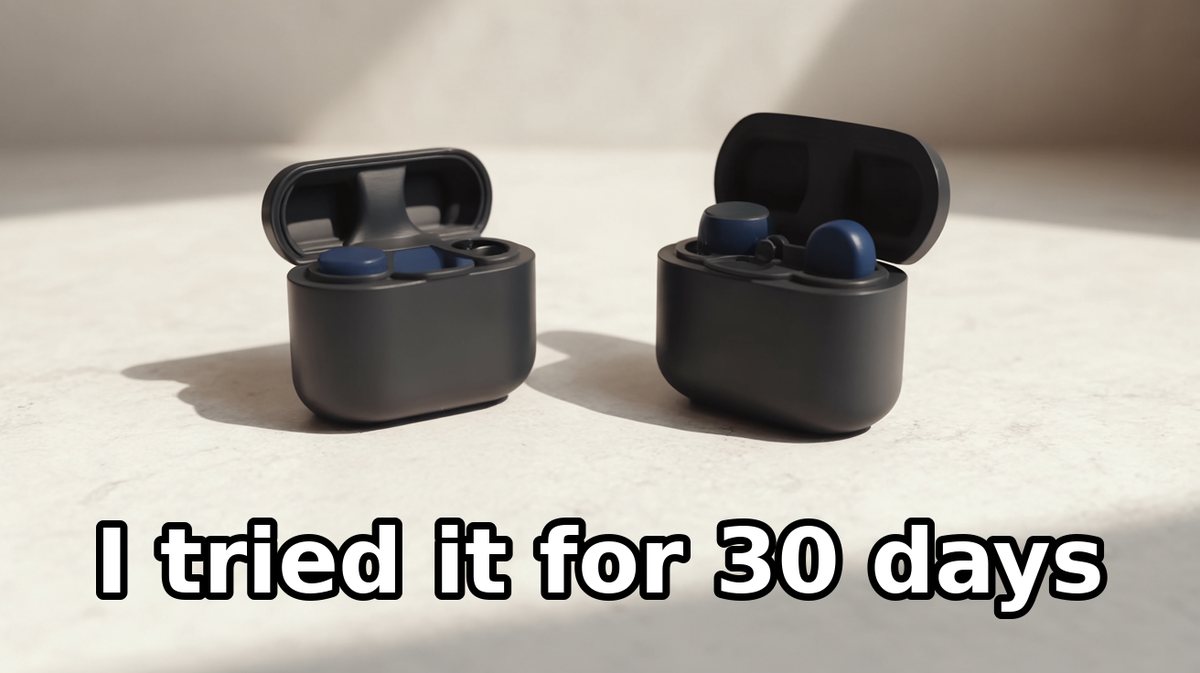
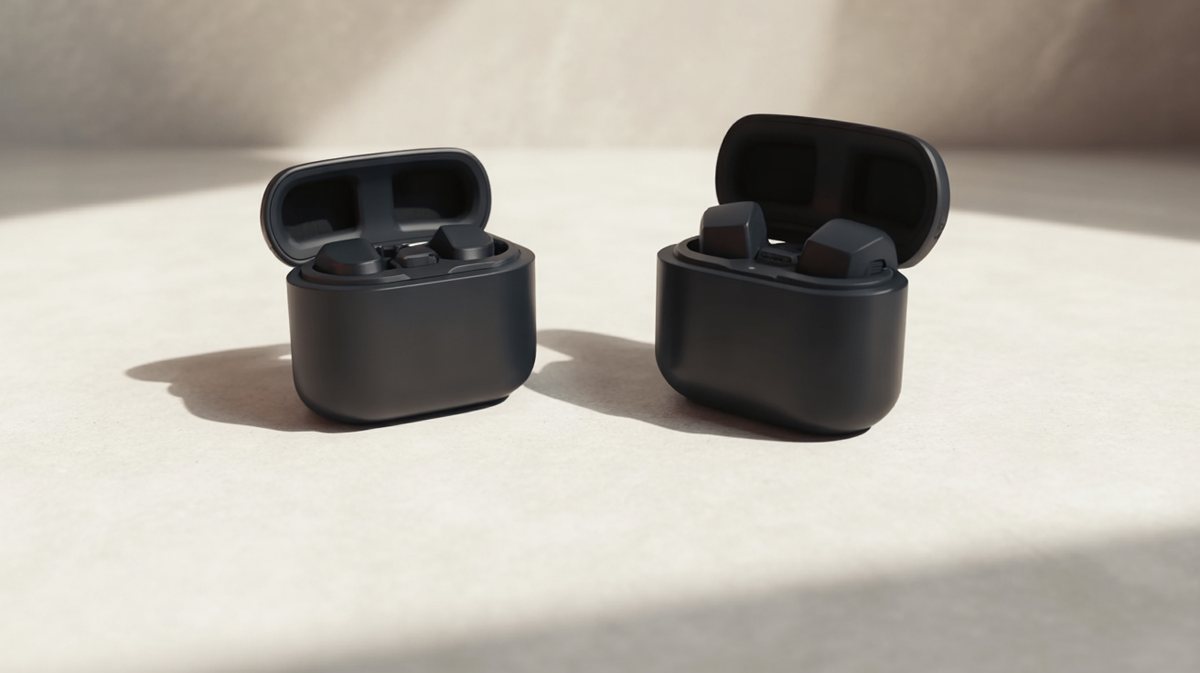
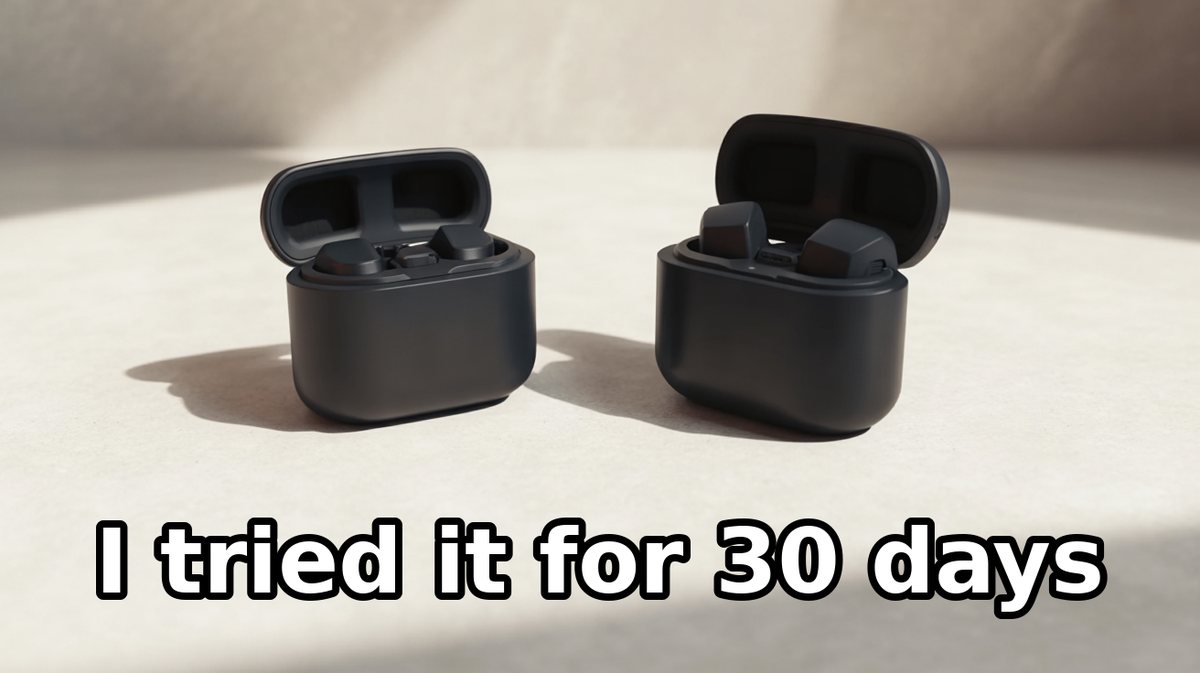
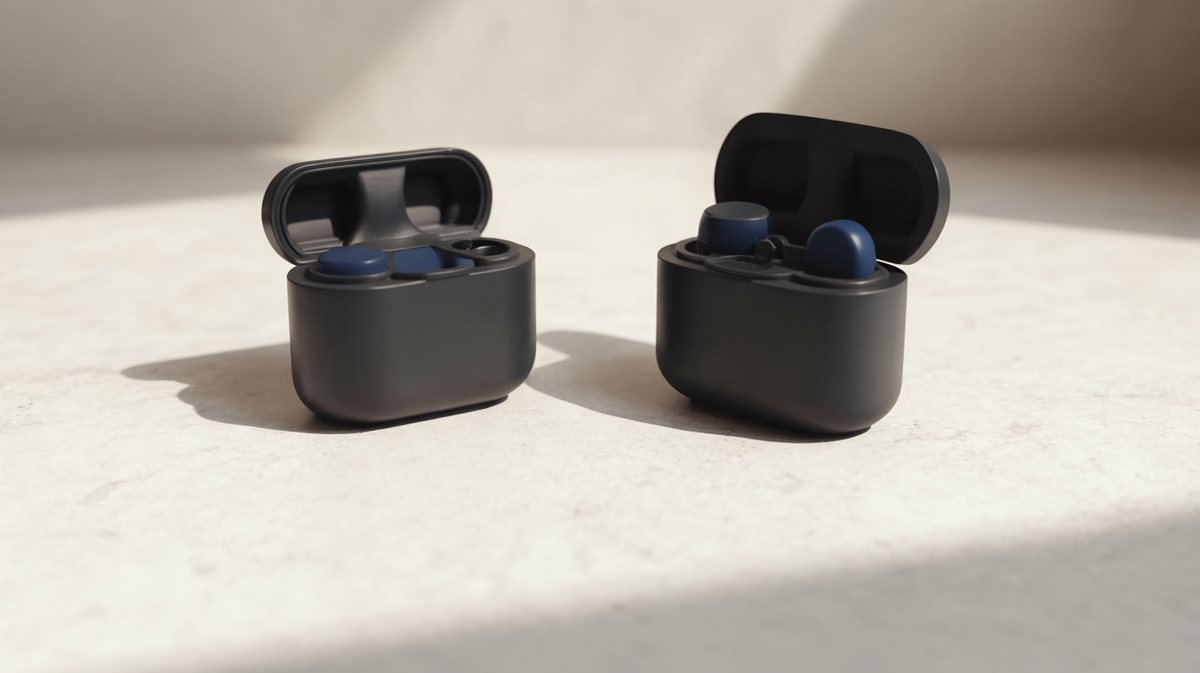
Give the flow your subject photo and a short title. It restyles the photo in two looks and sets your title on each, so you get two 16:9 thumbnails to compare.
Result
Steps
- Thumbnail 1: the look: Made with Ideogram 3.
- Thumbnail 1: the title: The files are edited together. Free.
- Thumbnail 2: the look: Made with Ideogram 3.
- Thumbnail 2: the title: The files are edited together. Free.
Along the way
What you give it
- Subject photo
- Title text
- Look of thumbnail 1
- Look of thumbnail 2
What it is good for
- A/B test two thumbnails for the same video
- Thumbnails for a series in one style
- A first thumbnail before you open a design tool
Tips
- Use a photo with a clear face or product, close up.
- Check both options at phone size before you upload one.
- Leave space on one side of the photo for the title.
From Claude Code
Coming next to the MCP server: characters, projects and flows.
Questions
- How long can the title be?
- Up to 60 characters. About four words stays readable on a phone; longer titles get small.
- Is the title spelled the way I typed it?
- Yes. The title is set as text on the finished image, not drawn by the model, so the letters stay exactly as you typed them.
- Can I change the two looks?
- Yes. Each look is one line of description, such as a bold high-contrast look or a clean colour block.
- How much does the "YouTube thumbnail maker" flow cost?
- Our run used 40 credits. The quote is shown before a run starts, and the whole estimate is held so a run never stops halfway on the daily cap.
Free credits every month
Sign in with Google and get 50 free credits every month. Unused credits do not roll over. Your credits also work in Claude Code and Codex through the BrShot MCP server.
Signing in shares your Google email address with BrShot; the privacy note says what we keep and for how long. Privacy note.