Flow · 1 step · our run used 10 credits
Polaroid picture: an AI flow, step by step
Upload a photo and type a short caption. You get it back as an instant print on a table, with the white frame and your words written by hand.
Result
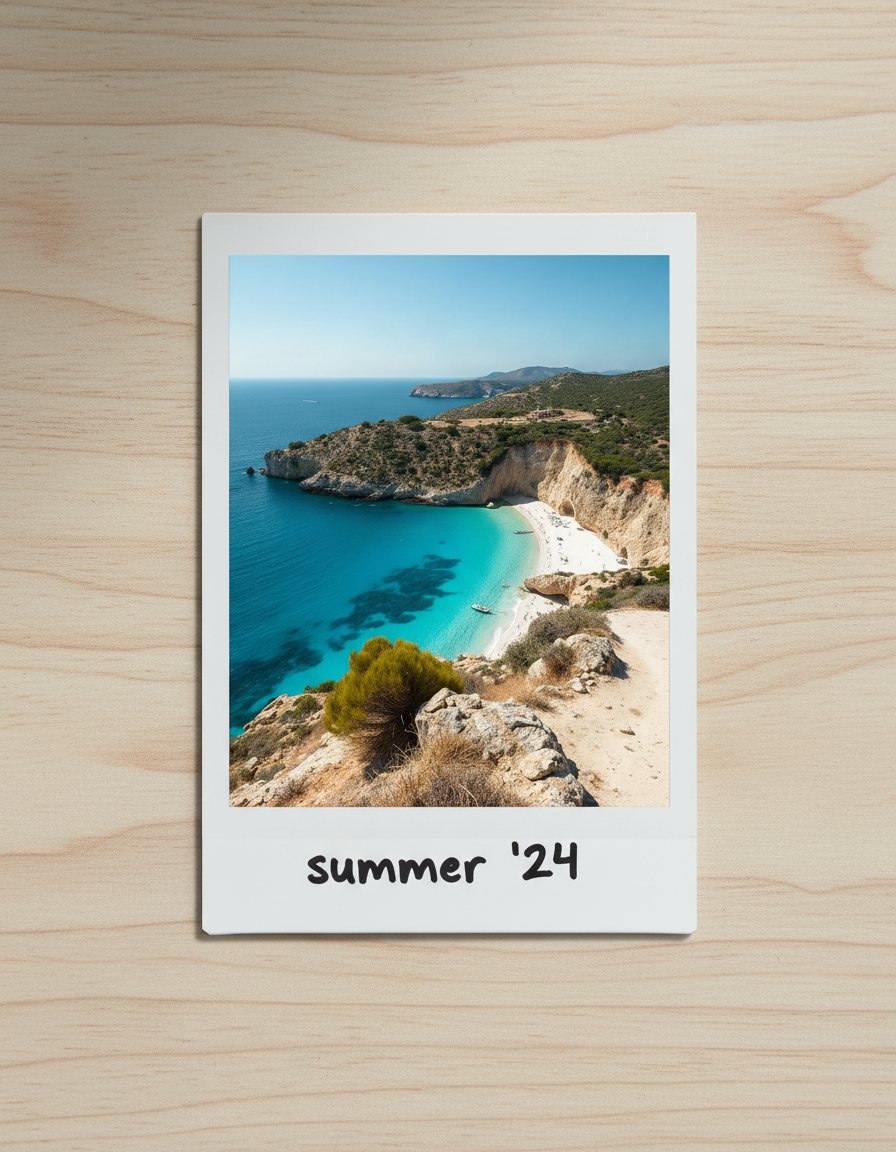
Steps
- Polaroid print: Made with Nano Banana.
What you give it
- Your photo
- Caption
What it is good for
- Throwback and memory posts
- Product moments with a film look for a feed
- Invitations, thank-you cards and stories
Tips
- Use a photo with one clear subject; it has to read inside a small square frame.
- Keep the caption to two or three words, such as a place or a date.
- Try a few photos from one day for a matching set.
From Claude Code
Coming next to the MCP server: characters, projects and flows.
Questions
- Is this a real Polaroid template?
- No. It is an AI edit in an instant-print style. It is not affiliated with Polaroid.
- How long can the caption be?
- Keep it to a few words. Short captions are written by hand cleanly; a full sentence less so.
- How much does the "Polaroid picture" flow cost?
- Our run used 10 credits. The quote is shown before a run starts, and the whole estimate is held so a run never stops halfway on the daily cap.
Free credits every month
Sign in with Google and get 50 free credits every month. Unused credits do not roll over. Your credits also work in Claude Code and Codex through the BrShot MCP server.
Signing in shares your Google email address with BrShot; the privacy note says what we keep and for how long. Privacy note.