Flow · 4 steps · our run used 26 credits
Product ad with a jingle: an AI flow, step by step
Give the product, the setting and the brand name. The flow makes a hero still, animates it, writes a short jingle and lays it under the clip.
Result
Steps
- Hero still: Made with FLUX.1 schnell.
- Animate the still: Made with Seedance 1 Pro Fast.
- Jingle: Made with MiniMax Music v2.
- Clip + jingle: The audio is laid under the clip. Free.
Along the way
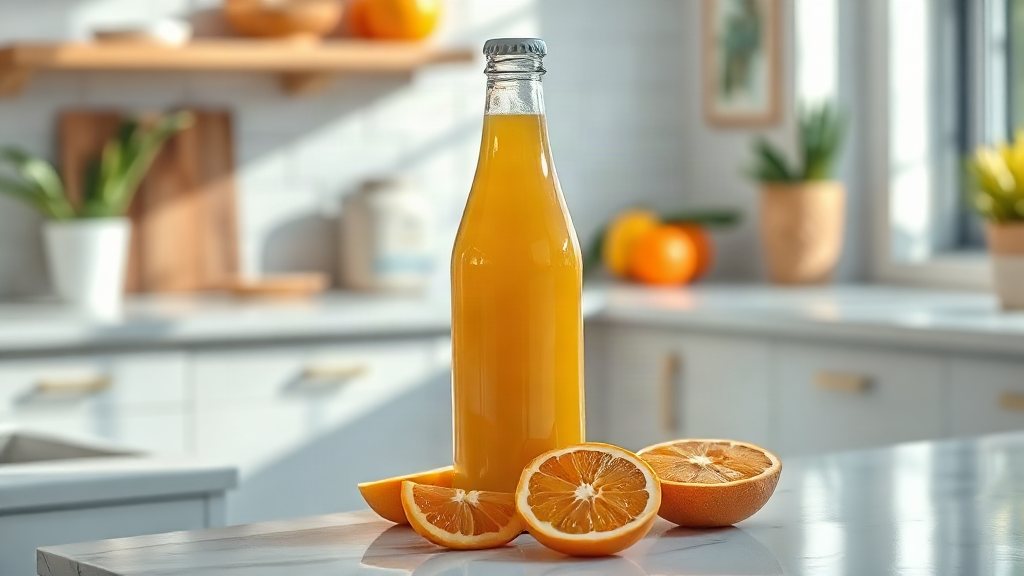
What you give it
- Product
- Setting
- Brand name for the lyrics
What it is good for
- A first video ad for a new product
- Several ad versions to test, one per setting
- A short clip with music for a product page
Tips
- Describe the product plainly: what it is, its material and its label. The still, the clip and the jingle all start from that line.
- Pick a brand name that is easy to sing. It goes into the jingle's lyrics.
- The camera move in this flow comes from the prompt, so ask for one simple move. For a precise move, use the hypermotion flow, where the move is a model setting.
From Claude Code
Coming next to the MCP server: characters, projects and flows.
Questions
- How do I make an AI product ad?
- Run this flow with your product, a setting and your brand name. It returns a clip with music, ready to post.
- Can I use my own product photo?
- This flow starts from text. To start from your photo, use the hypermotion or product-backgrounds flow.
- How much does the "Product ad with a jingle" flow cost?
- Our run used 26 credits. The quote is shown before a run starts, and the whole estimate is held so a run never stops halfway on the daily cap.
Free credits every month
Sign in with Google and get 50 free credits every month. Unused credits do not roll over. Your credits also work in Claude Code and Codex through the BrShot MCP server.
Signing in shares your Google email address with BrShot; the privacy note says what we keep and for how long. Privacy note.