Free tool
QR code generator with logo
Type a link or some text, add your logo, pick your colours and download a PNG or an SVG. The code holds exactly what you typed.
The tool loads here. It needs JavaScript, and runs in your browser.
Our example
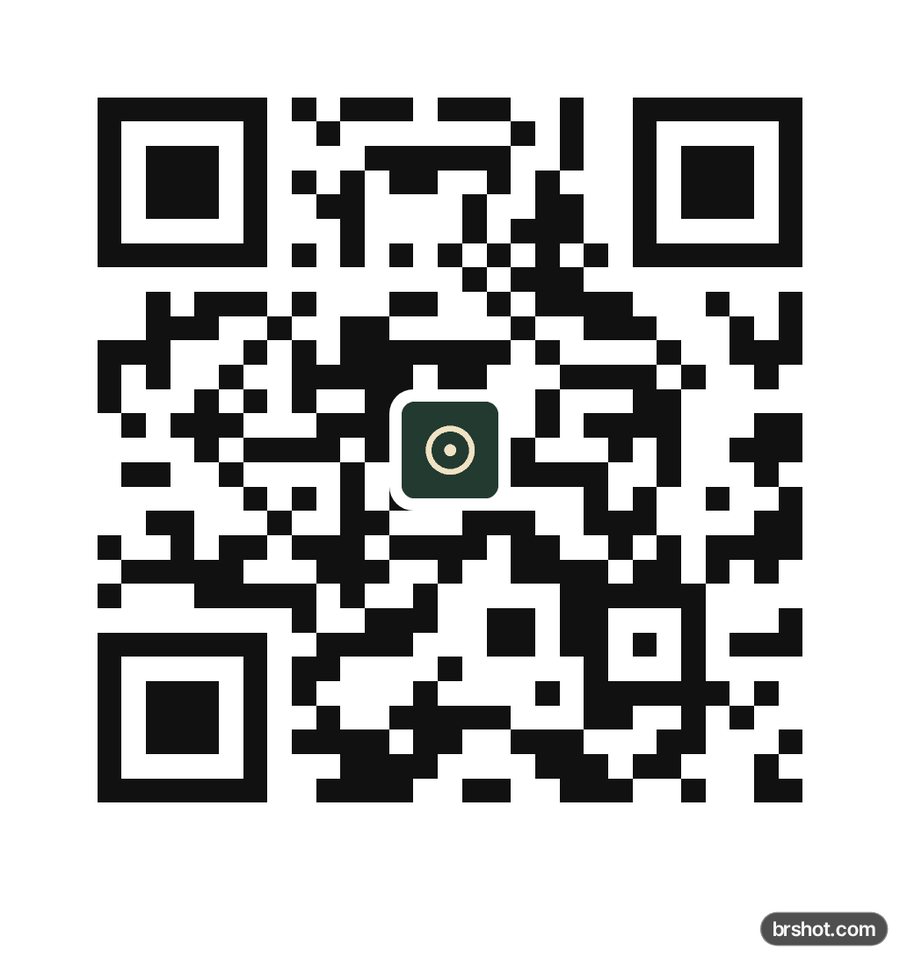
What it is good for
- Put your menu, booking page or shop link on a table card, a flyer or packaging.
- Add a branded QR code to a business card, a poster or a shop window.
- Link a printed ad or a product insert to a landing page.
- Share Wi-Fi details, an address or a short message as a code.
How it works
- Type or paste your link or text.
- Keep the sample logo or choose your own, and set its size.
- Pick the module and background colours, and square or rounded modules.
- Download the PNG at the size you need, or the SVG, and test scan it before you print.
Facts
| Price | free |
|---|---|
| Where it runs | in your browser; nothing is uploaded |
| Error correction | level H (about 30% of the code can be restored) with a logo; Q or M without one |
| Logo | centred on a white plate, up to 22% of the code's width, clear of the corner squares and alignment marks |
| Output | PNG 512, 1024 or 2048 px wide, or SVG; a 4-module quiet zone |
| Your link | encoded as typed: a static code with no shortener, redirect or tracking, so it does not expire |
| Mark | a small brshot.com mark in the bottom-right corner of the image it makes |
Questions
- How do I make a QR code with a logo?
- Type your link, choose your logo file and press Download PNG or Download SVG. The logo goes in the centre on a white plate.
- Will a QR code with a logo still scan?
- Yes, when the logo is small enough. The code uses level H, the logo is sized to damage well under what H can repair, and the corner squares stay clear. Test scan the download with two phones before you print.
- Does this QR code expire or track scans?
- No. It is a static code: it holds your link itself, with no redirect, so it keeps working and nothing is counted. To see scans in your analytics, add UTM tags to the link before you make the code.
- PNG or SVG for print?
- SVG scales to any size without blur, so it suits print. For a PNG, pick 2048 px for large prints.
- Is the QR code generator free?
- Yes. It runs in your browser. The download carries a small brshot.com mark in a white strip below the code, never on the code itself.
Part of
More free tools
A/B test calculatorAdd text to imageAspect ratio calculatorBefore and after makerBlur and pixelateCharacter counterCollage makerCPM calculatorCTR calculatorGIF makerColour picker from imageImage compressorImage converterImage resizerImage splitterInstagram fontsPhone and browser mockupMeme generatorNo-crop borderROAS calculatorSafe-zone checkerSocial image resizerUTM link builderVideo frame extractorWatermark makerYouTube banner maker
Free credits every month
Sign in with Google and get 50 free credits every month. Unused credits do not roll over. Your credits also work in Claude Code, Codex and OpenCode through the BrShot MCP server.
Signing in shares your Google email address with BrShot; the privacy note says what we keep and for how long. Privacy note.