App · edit
Relight a photo with AI
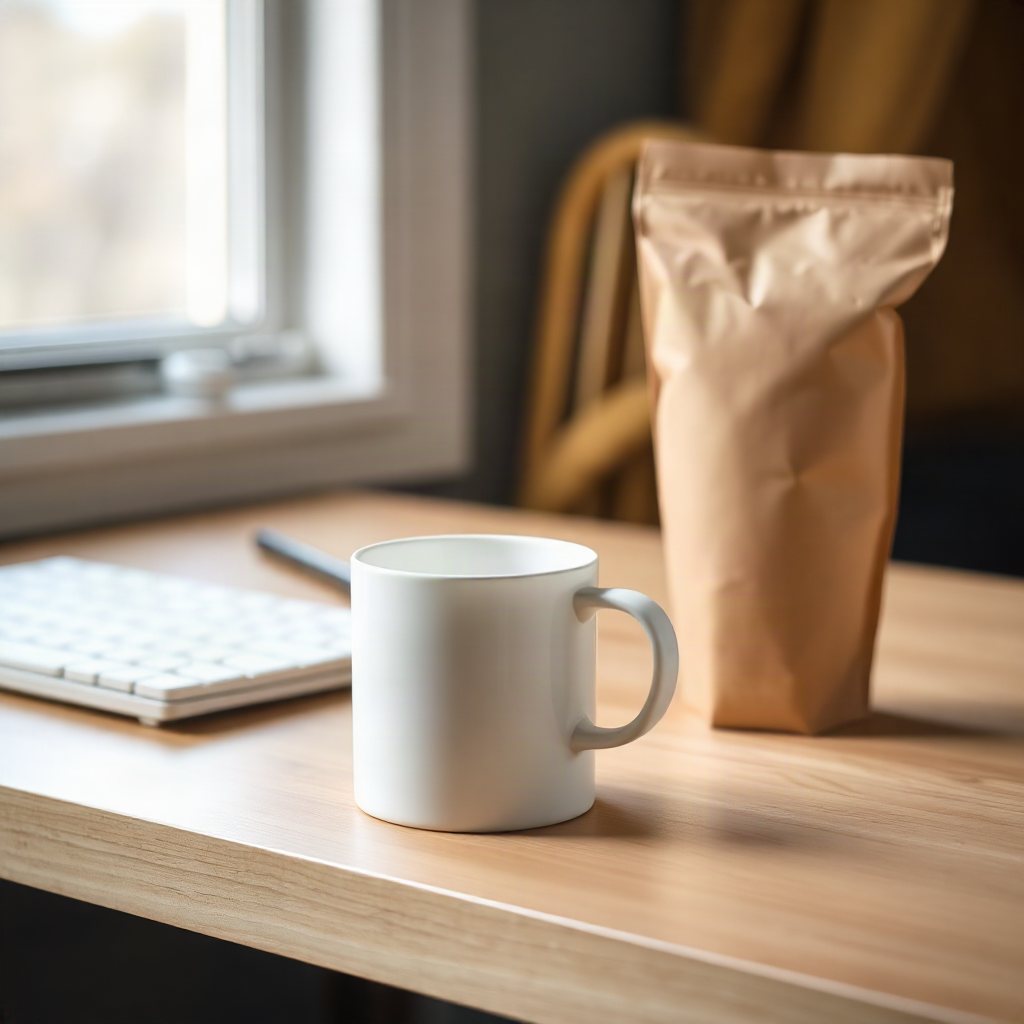
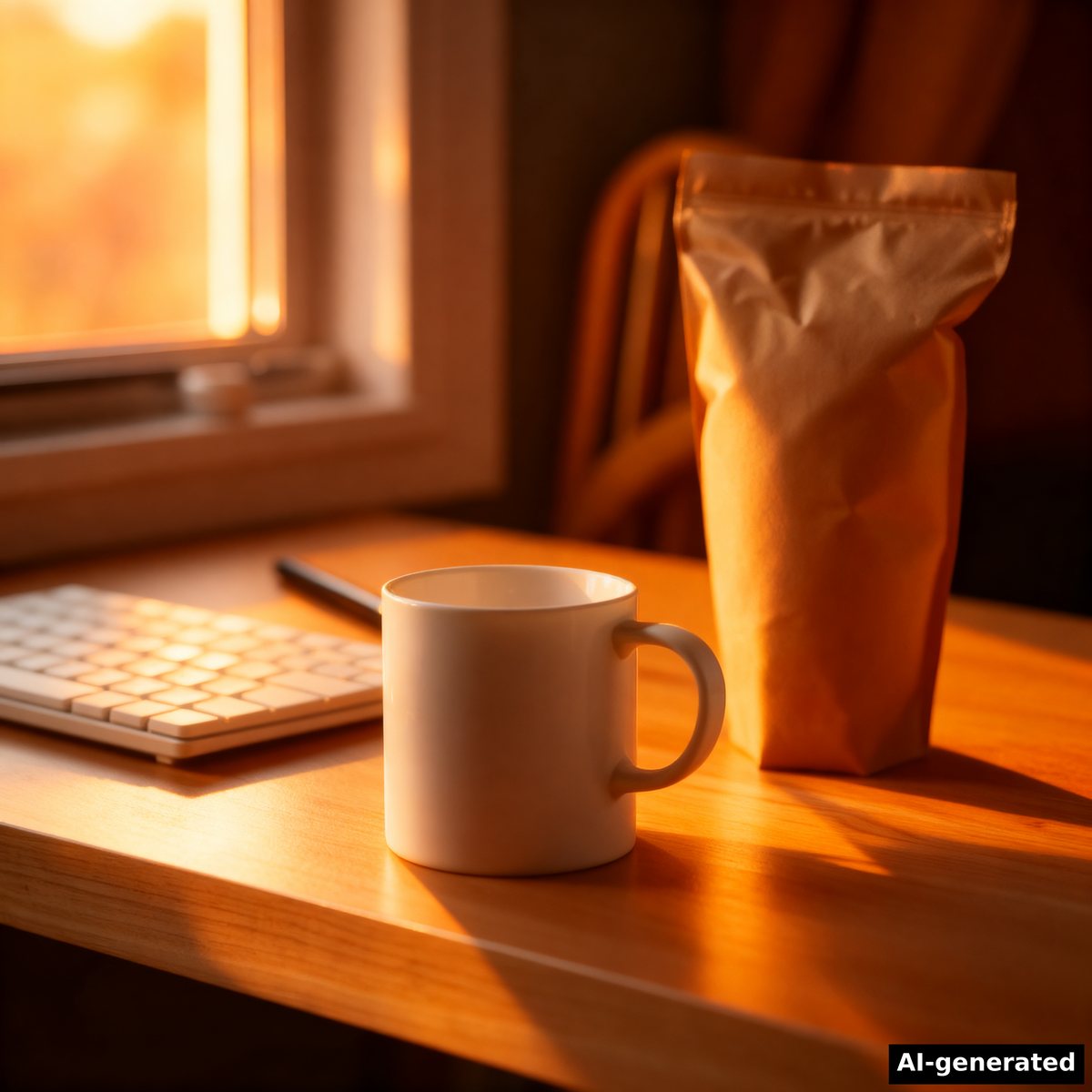
Pick a lighting style and the photo is relit to match, while the subject and the scene stay the same.
Our example
What it is good for
- Golden-hour and studio versions of one product shot
- Match the light of photos that will sit side by side
- A night or neon look for a campaign
How it works
- Upload the photo.
- Pick a lighting style.
- Run it and compare before and after.
Facts
| Model | Relight · image apps |
|---|---|
| Price | 10 credits per image |
| Input | Your photo and a lighting style |
| Output | PNG at the photo's shape |
Run it from Claude Code
With the BrShot MCP server, ask for it in plain words, for example:
“Use BrShot to relight desk.jpg to golden hour”
“Quote it first and tell me the price before you run it.”
Questions
- Which lighting styles can I pick?
- There are 18: natural, studio, golden hour, blue hour, dramatic, soft, hard, backlight, side light, front light, rim light, sunset, sunrise, neon, candlelight, moonlight, spotlight, ambient.
- What does it cost?
- 10 credits per image.
More apps
Image enhancerBackground removerRemove by nameBrush eraserNew camera angleCartoonifyFace swap
Free credits every month
Sign in with Google and get 50 free credits every month. Unused credits do not roll over. Your credits also work in Claude Code and Codex through the BrShot MCP server.
Signing in shares your Google email address with BrShot; the privacy note says what we keep and for how long. Privacy note.