Flow · 1 step · our run used 30 credits
Product × backgrounds batch: an AI flow, step by step
Upload one product photo and list the backgrounds you want. You get one image per line, with the same product in each.
Result
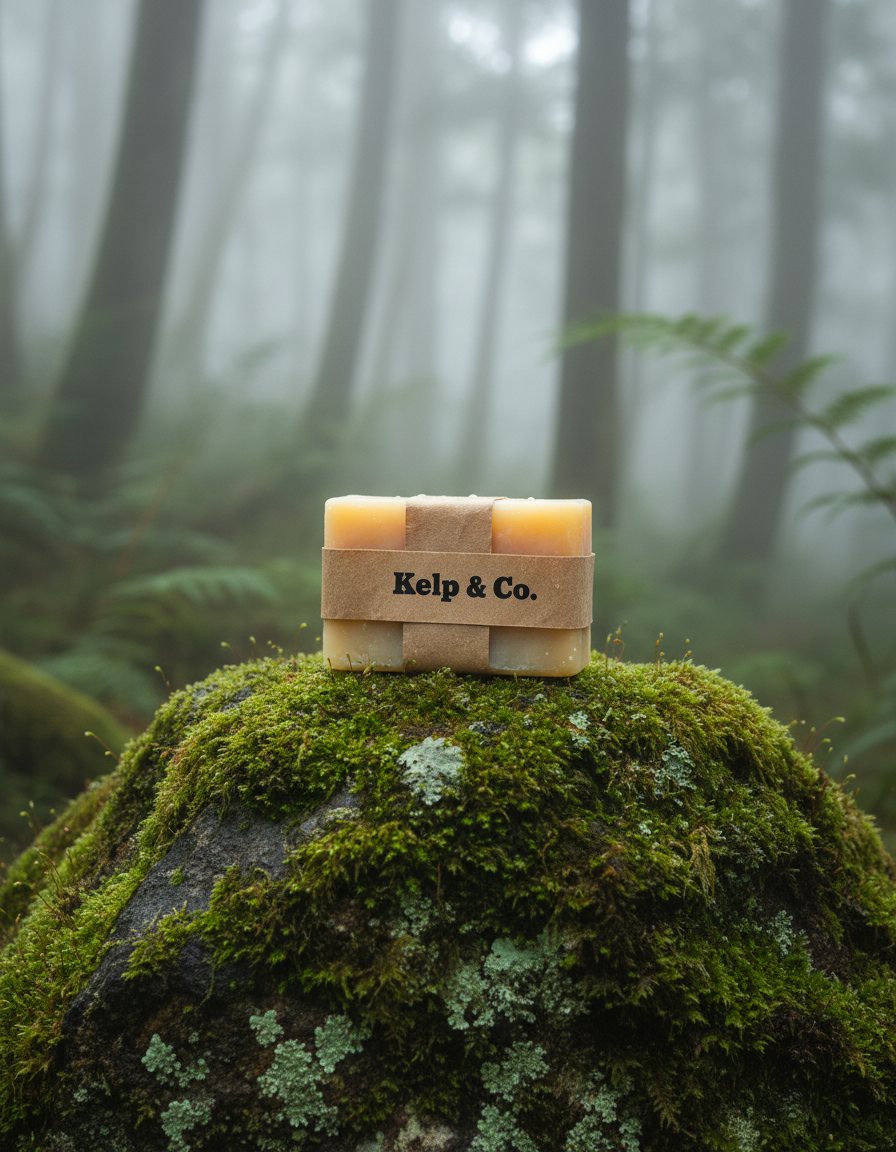
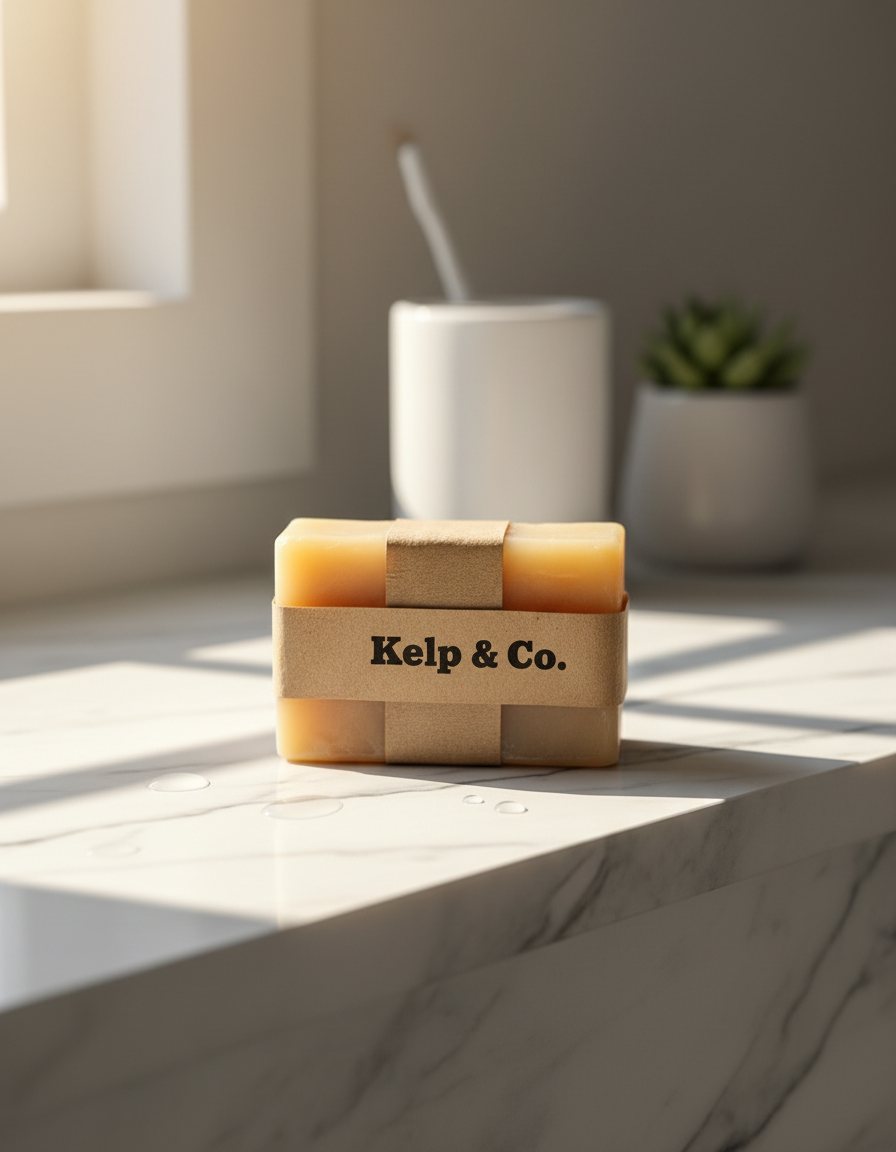
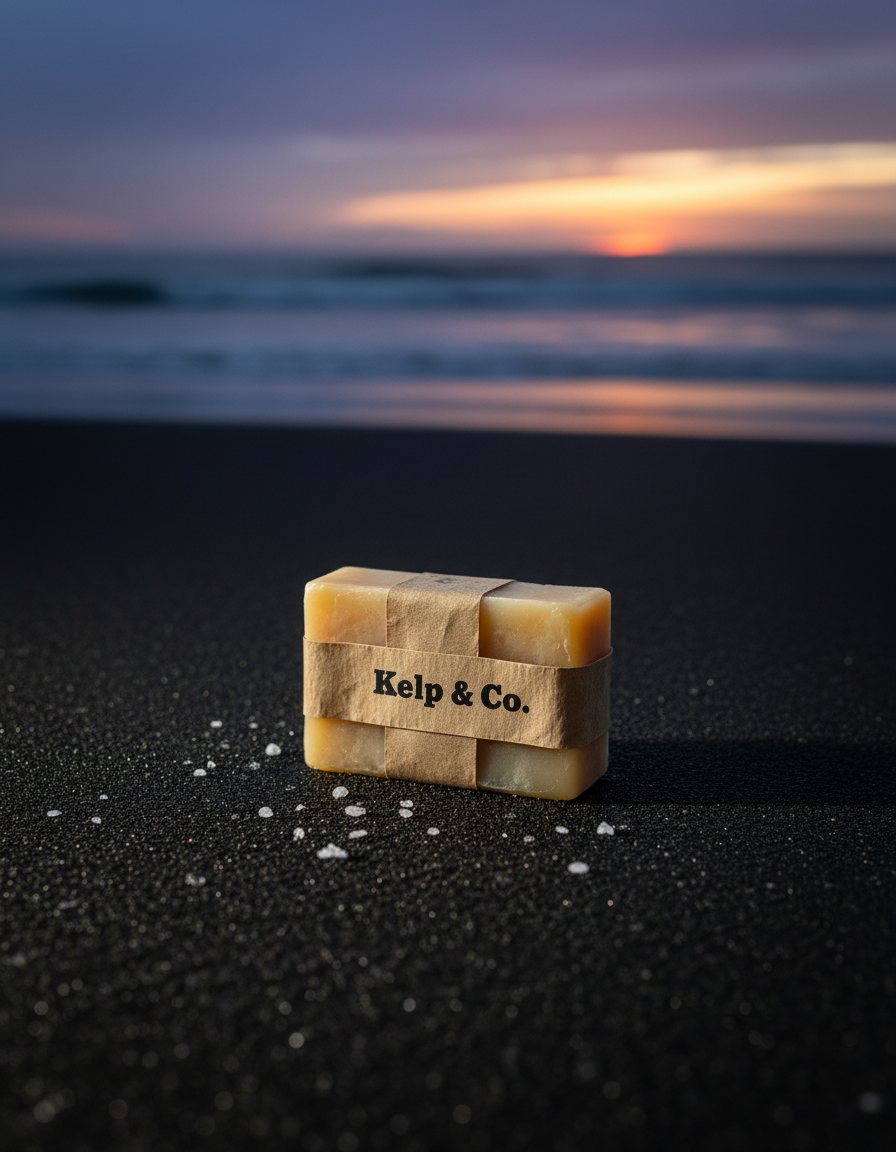
Steps
- One shot per background: Made with Nano Banana, once per line of your list.
What you give it
- Your product photo
- Backgrounds (one per line)
What it is good for
- Listing and ad images for several settings
- Seasonal versions of one product
- Tests of which scene sells more
Tips
- Start from a sharp, front-facing photo where the label is easy to read. Every background is an edit of that photo.
- Write one background per line, with the surface and the light: "on a marble shelf in soft morning light". Each line becomes its own image, so you can add or remove lines freely.
- Start each line with where the product sits: "on a mossy rock in a misty forest". The flow already asks to keep the product's shape, label and colours, so leave the product out of the line.
From Claude Code
Coming next to the MCP server: characters, projects and flows.
Questions
- How do I change the background of a product photo?
- Upload the photo and write one line per background. Each line becomes one image.
- Will my product look the same in each image?
- The model uses your photo as the reference, so shape, colour and label stay. Check each image before you use it.
- How much does the "Product × backgrounds batch" flow cost?
- Our run used 30 credits. The quote is shown before a run starts, and the whole estimate is held so a run never stops halfway on the daily cap.
Free credits every month
Sign in with Google and get 50 free credits every month. Unused credits do not roll over. Your credits also work in Claude Code and Codex through the BrShot MCP server.
Signing in shares your Google email address with BrShot; the privacy note says what we keep and for how long. Privacy note.