Free tool
Phone mockup generator
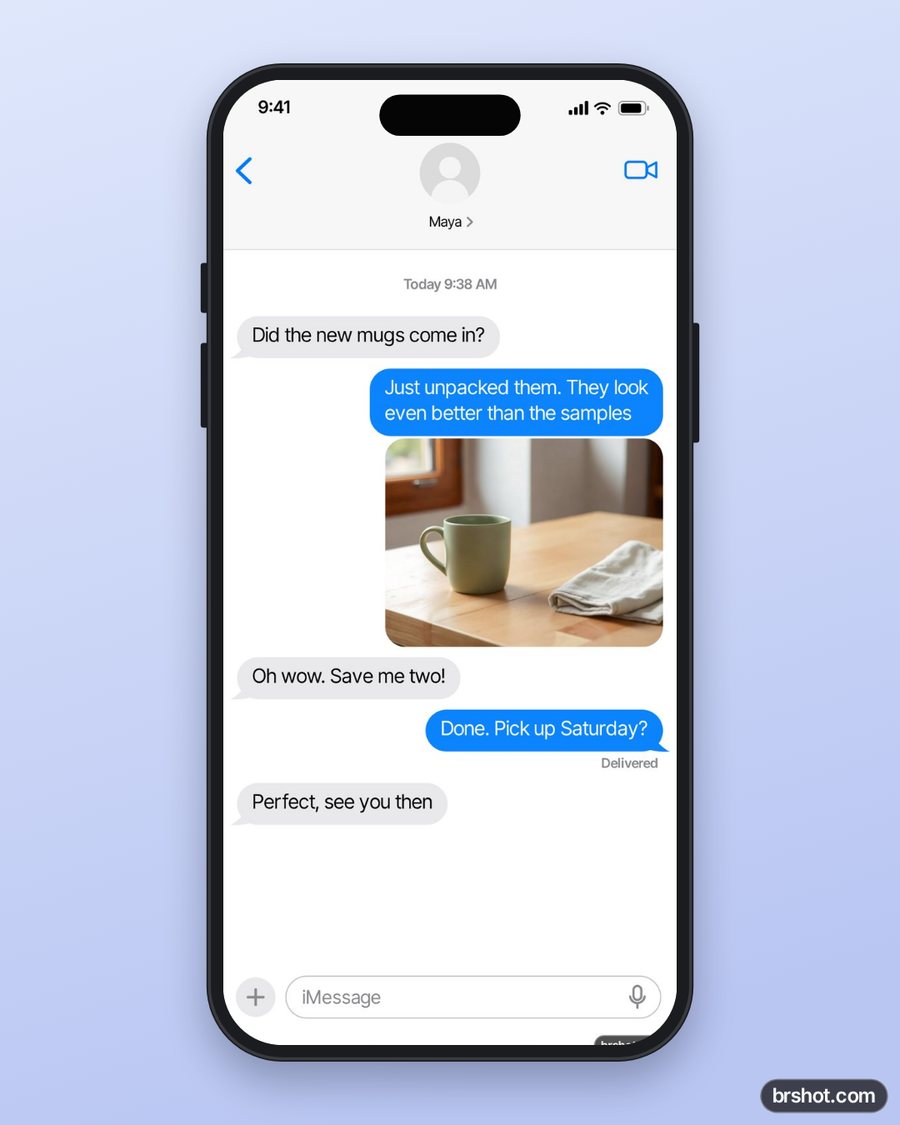
Drop a phone screenshot into a generic modern phone frame, on a gradient, a solid colour or a transparent background, and download a PNG.
The tool loads here. It needs JavaScript, and runs in your browser.
Our example
What it is good for
- Show an app screen in a post, a deck or a landing page.
- Present a mobile design to a client.
- Make a launch image with a headline above the phone.
- Put a chat or a review screenshot in a frame for social proof.
How it works
- Add your screenshot, or try the example.
- Pick the image size, the phone colour and the background.
- Add a headline if you want one.
- Press Download PNG.
Facts
| Price | free |
|---|---|
| Where it runs | in your browser; nothing is uploaded |
| Frames | a generic phone (black, silver or white) or a browser window |
| Backgrounds | two-colour gradient, solid colour or transparent |
| Sizes | 1080 × 1350, 1080 × 1080, 1080 × 1920, 1920 × 1080, 1600 × 1000, 1290 × 2796 |
| Mark | a small brshot.com mark in the bottom-right corner of the image it makes |
Questions
- How do I put a screenshot in a phone frame?
- Add the screenshot here. It fills the phone screen from the top, and you download the framed image as a PNG.
- Is it an Apple device image?
- No. The phone is drawn by the tool: a generic modern phone with rounded corners and a camera pill, with no logo.
- Can I get a transparent background?
- Yes. Pick Transparent in Background and the PNG keeps everything around the phone clear.
- Is the phone mockup free?
- Yes. It runs in your browser. The PNG carries a small brshot.com mark in the bottom-right corner.
Part of
Same tool, other settings
More free tools
Aspect ratio calculatorBefore and after makerBlur and pixelateCharacter counterGIF makerColour picker from imageImage compressorImage converterImage splitterInstagram fontsMeme generatorNo-crop borderSafe-zone checkerSocial image resizerUTM link builderVideo frame extractorWatermark maker
Free credits every month
Sign in with Google and get 50 free credits every month. Unused credits do not roll over. Your credits also work in Claude Code and Codex through the BrShot MCP server.
Signing in shares your Google email address with BrShot; the privacy note says what we keep and for how long. Privacy note.