Flow · 2 steps · our run used 5 credits
White background packshot: an AI flow, step by step
Upload a product photo. The flow cuts the product out, then places it on pure white at the same size, so the background is exactly white.
Result
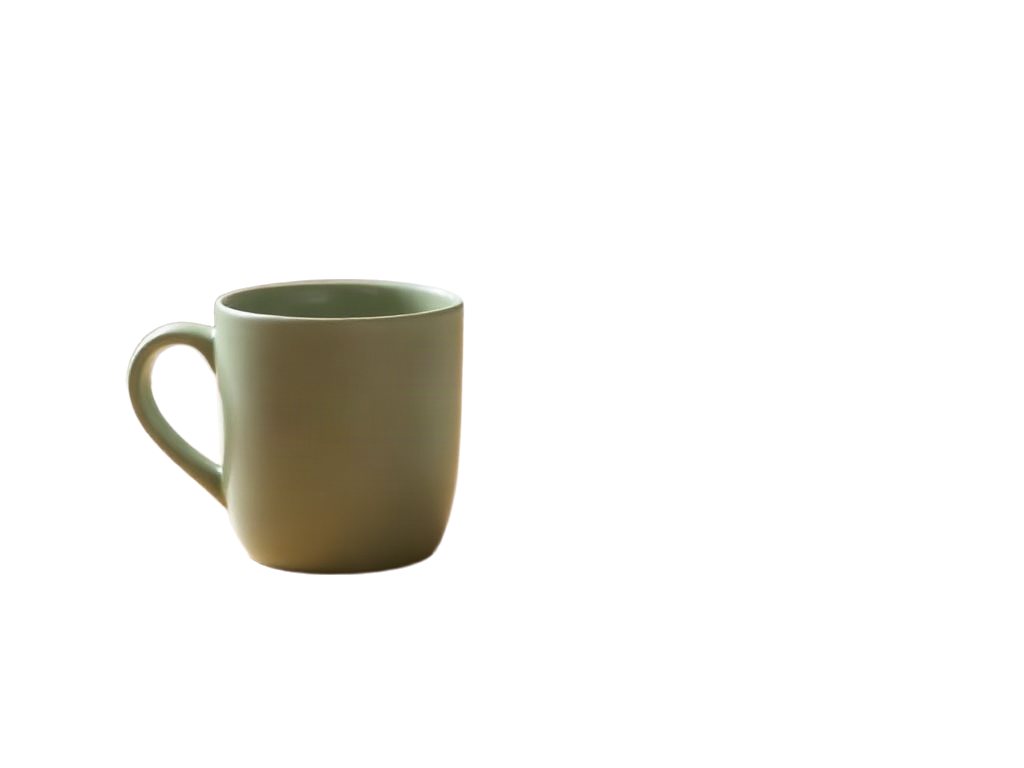
Steps
- Remove background: Made with BRIA.
- Flatten onto white: The files are edited together. Free.
Along the way
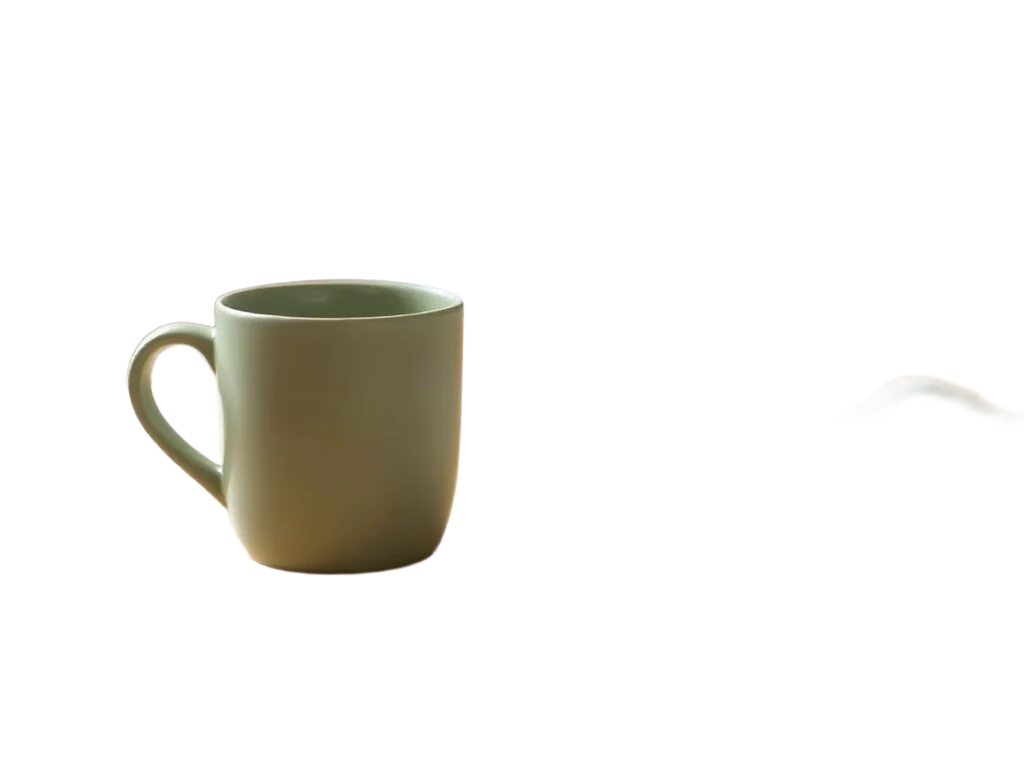
What you give it
- Your product photo
What it is good for
- Marketplace listings that ask for a white background
- Catalogue and price-list images
- A clean last frame for a video ad
Tips
- Shoot the product on its own; other objects touching it can be kept as part of it.
- Use even light; the cut edge follows what the photo shows.
- For a transparent PNG instead of white, run the product cutout flow.
From Claude Code
Coming next to the MCP server: characters, projects and flows.
Questions
- How is this different from the cutout flow?
- The cutout flow gives you a transparent PNG. This flow gives you the product on pure white, ready to upload.
- What happens to stray bits from the background?
- Small loose pieces the cutout leaves beside the product are dropped before the white is added.
- How much does the "White background packshot" flow cost?
- Our run used 5 credits. The quote is shown before a run starts, and the whole estimate is held so a run never stops halfway on the daily cap.
Free credits every month
Sign in with Google and get 50 free credits every month. Unused credits do not roll over. Your credits also work in Claude Code and Codex through the BrShot MCP server.
Signing in shares your Google email address with BrShot; the privacy note says what we keep and for how long. Privacy note.