App · edit · BRIA
Free background remover
Upload a photo and get the subject cut out on a transparent background, ready to download as a PNG.
Try it
Our example
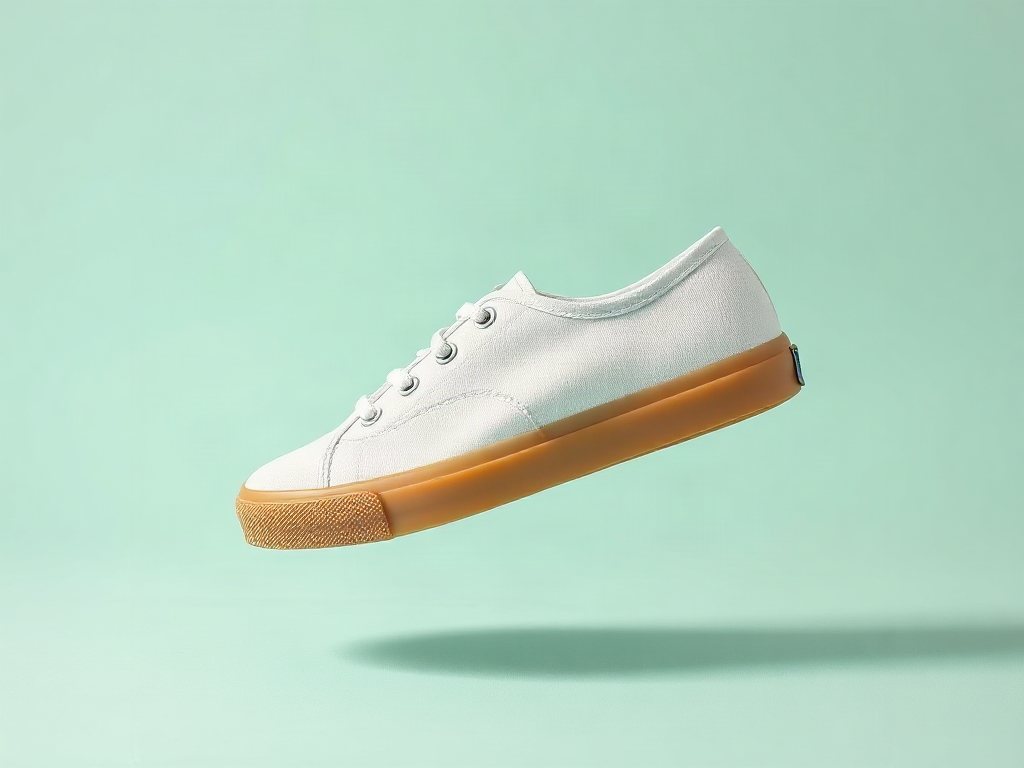
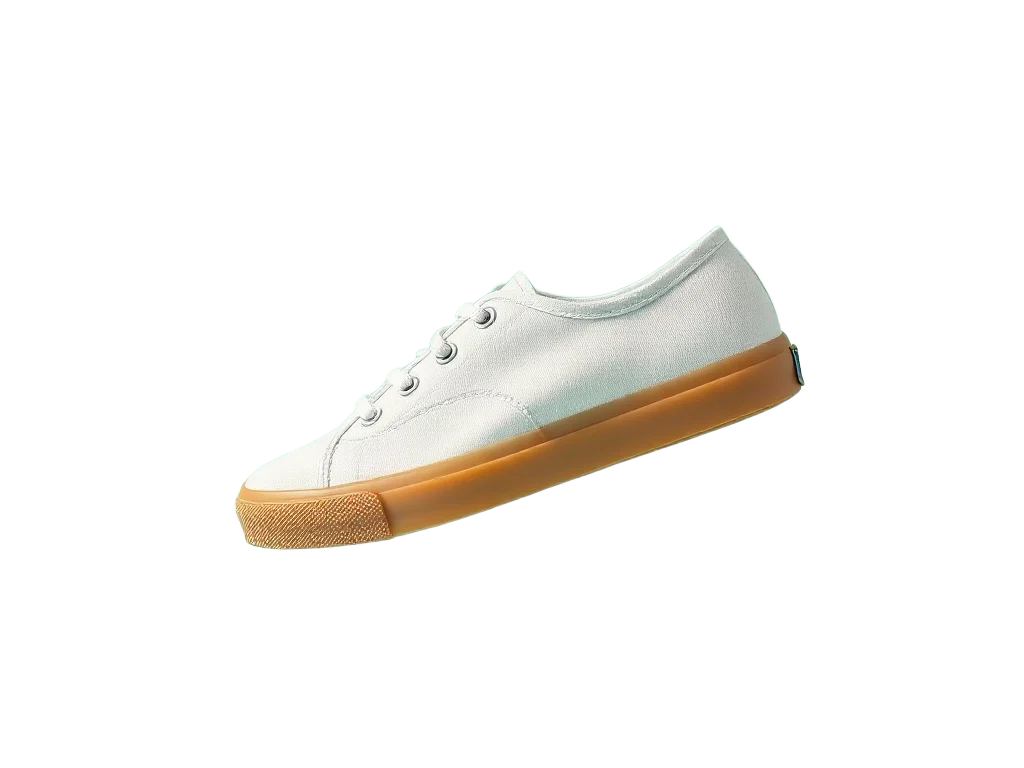
What it is good for
- Product photos for a store listing on white or any colour
- A cut-out product to place in a new scene with the image editor
- Stickers, thumbnails and slides that need a clean edge
How it works
- Upload a PNG, JPEG or WebP photo.
- Wait a few seconds for the cut-out.
- Check the result, then download the transparent PNG.
Facts
| Model | BRIA · background removal |
|---|---|
| Price | 5 credits per image |
| Input | PNG, JPEG or WebP up to 10 MB. Larger photos are scaled down to 4 megapixels first. |
| Output | Transparent PNG |
| Free credits | 50 every month with Google sign-in |
Use it in a flow
Run it from Claude Code
With the BrShot MCP server, ask for it in plain words, for example:
“Use BrShot to cut out sneaker.jpg on a transparent background”
“Quote it first and tell me the price before you run it.”
Questions
- How do I remove the background from an image for free?
- Upload it on this page. Sign in with Google and get 50 free credits every month; unused credits do not roll over. A cut-out costs 5 credits per image.
- What file do I get?
- A PNG with a transparent background, the same size as your photo.
- Does it work on people and on products?
- Yes. It finds the main subject of the photo, whether that is a product, a person or a pet.
- Can I put a new background behind the cut-out?
- Yes. Use the cut-out as a reference on the image editor page and describe the new scene.
- Can it remove the background from a video?
- Not yet. This page works on still images.
More apps
Image enhancerRemove by nameBrush eraserRelightNew camera angleCartoonifyFace swap
Free credits every month
Sign in with Google and get 50 free credits every month. Unused credits do not roll over. Your credits also work in Claude Code and Codex through the BrShot MCP server.
Signing in shares your Google email address with BrShot; the privacy note says what we keep and for how long. Privacy note.