Flow · 2 steps · our run used 35 credits
Old photo restore and colourize: an AI flow, step by step
Upload a scan of an old photo. The flow repairs it and adds colour first, then upscales the result 2×, so the large file you download is the clean one.
Result
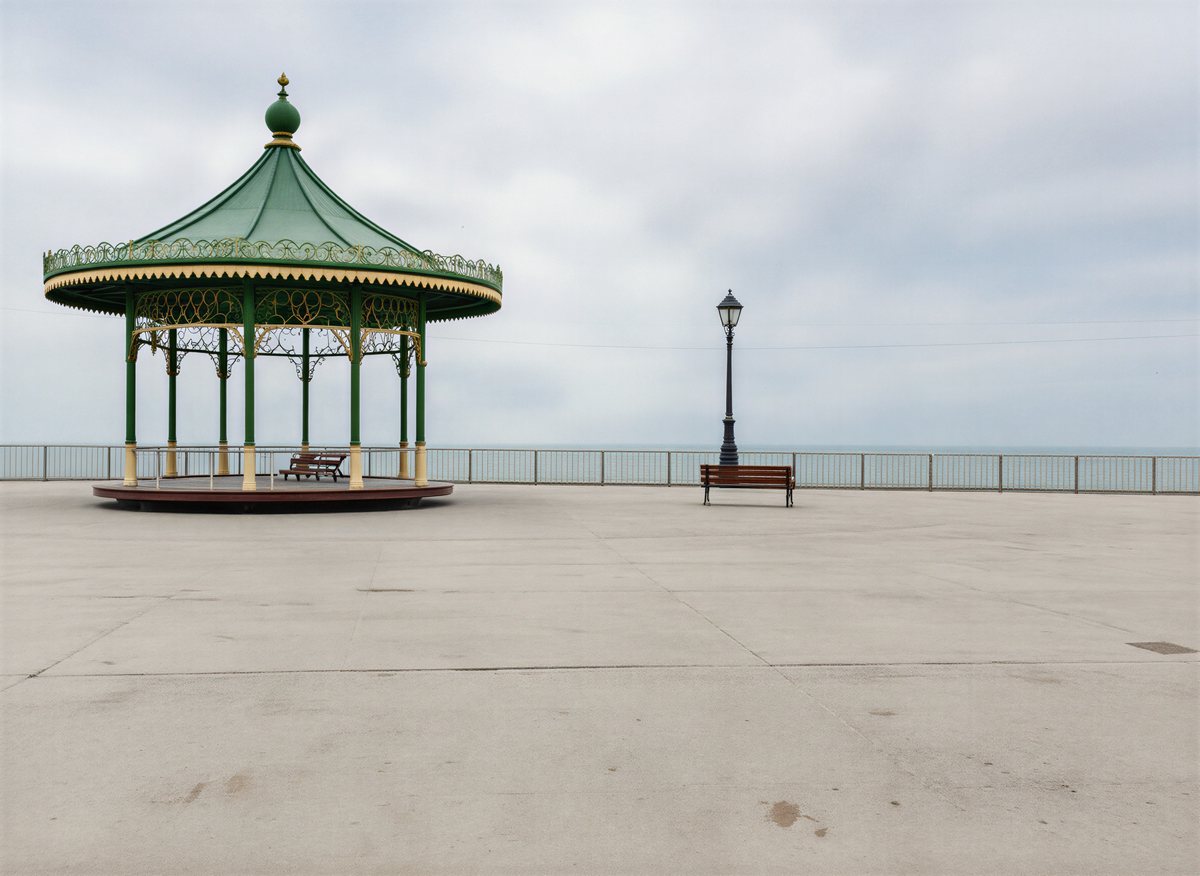
Steps
- Restore and colourize: Made with Nano Banana.
- Upscale x2: Made with SeedVR2.
Along the way
What you give it
- Your old photo
What it is good for
- Family photos for a print or an album
- Archive images for a brand story or an anniversary post
- Old product or shop photos for a heritage campaign
Tips
- Scan at a good resolution and crop away the scanner bed and any frame first.
- One photo per run: a page of an album with several prints gives mixed results.
- Check skin tones and clothing colours; colourizing is a guess when the original was black and white.
From Claude Code
Coming next to the MCP server: characters, projects and flows.
Questions
- Does it keep the faces and the layout?
- The repair step is asked to keep faces, composition and details. Check the result at full size before you print it.
- Why restore before upscaling?
- The repair works on your photo as you sent it. The upscale comes last, so its large file is your download.
- How much does the "Old photo restore and colourize" flow cost?
- Our run used 35 credits. The quote is shown before a run starts, and the whole estimate is held so a run never stops halfway on the daily cap.
Free credits every month
Sign in with Google and get 50 free credits every month. Unused credits do not roll over. Your credits also work in Claude Code and Codex through the BrShot MCP server.
Signing in shares your Google email address with BrShot; the privacy note says what we keep and for how long. Privacy note.