Guide
Jewelry product photography
Jewelry reads clearly on a calm surface such as marble or linen, in soft side light that gives a few clean highlights and no hard glare. Shoot a close-up for detail and a wider flat lay for context. The three scenes below are our own renders of a gold ring and a pearl necklace.
Step by step
Use soft window light from one side; a white card on the other side fills the shadows.
Pick a calm surface: marble, linen or stone.
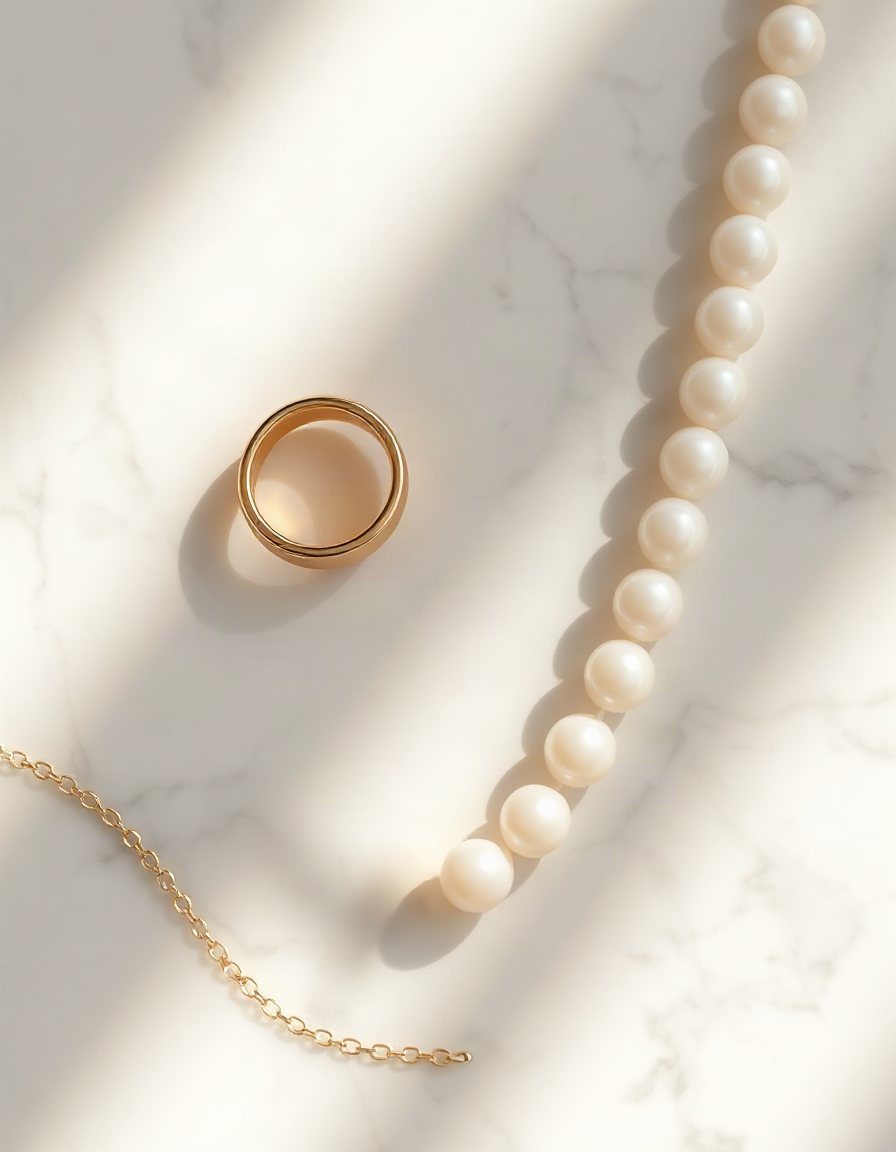
1 credit · 896×1152 Let the light fall across the piece so the metal shows a highlight and the pearls show their shine.
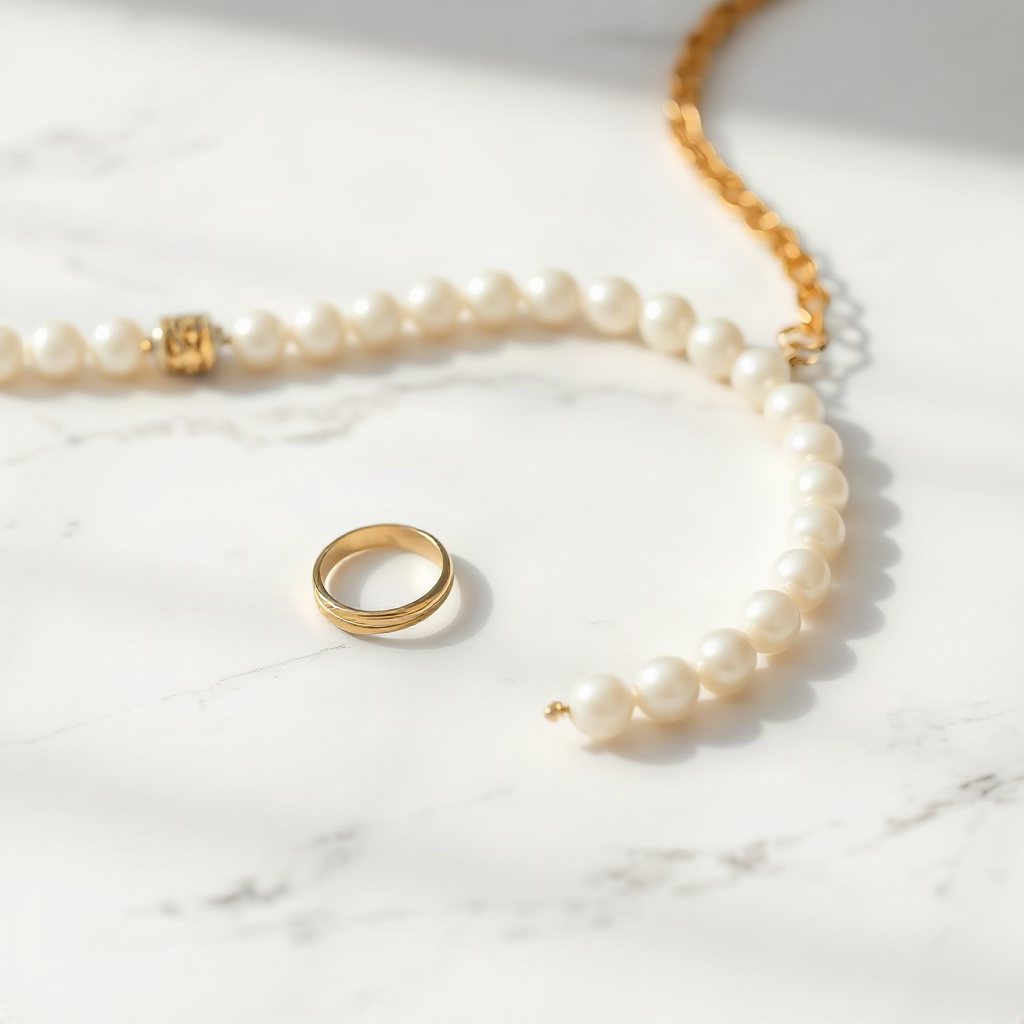
1 credit · 1024×1024 Shoot a wider flat lay for context and a close-up for detail.
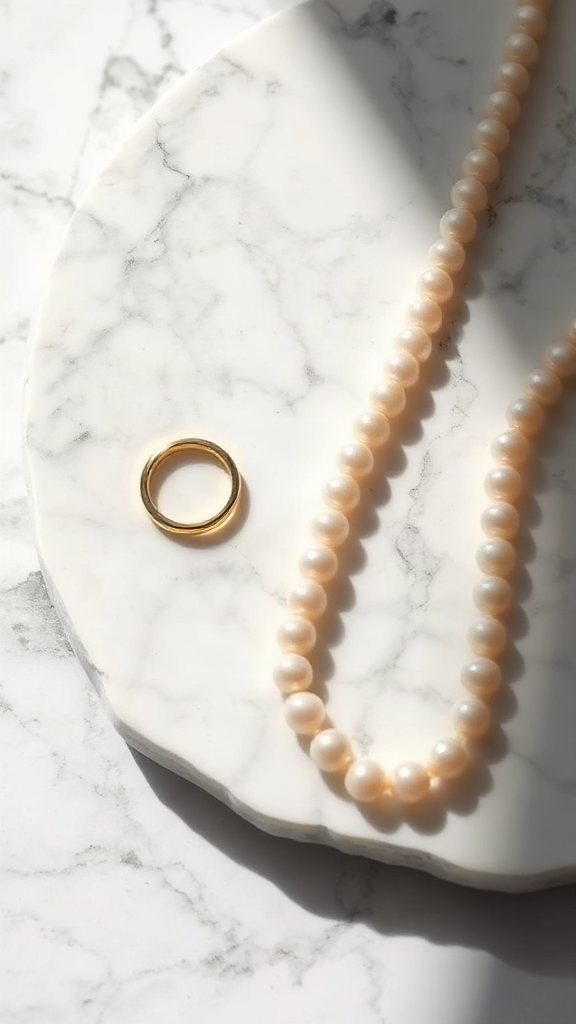
1 credit · 576×1024 Make new settings from your one photo instead of reshooting, and relight them if needed.
Questions
- How do I stop reflections on jewelry?
- Use large, soft light and white cards around the piece; small, hard lights make sharp glare.
- What background is good for jewelry?
- White or light marble for listings; linen, stone or skin tones for lifestyle shots.
- Can AI make jewelry photos?
- It can make the setting and the light. Keep the piece itself true to the real one: buyers compare the details.
Free credits every month
Sign in with Google and get 50 free credits every month. Unused credits do not roll over. Your credits also work in Claude Code, Codex and OpenCode through the BrShot MCP server.
Signing in shares your Google email address with BrShot; the privacy note says what we keep and for how long. Privacy note.