Guide
Ecommerce product photography with AI
A store usually needs three kinds of product photo: a packshot on white for the listing, lifestyle shots that show the product in use, and close-ups. You can make all three from one clear phone photo. Every step below shows our own output.
Step by step
Take one sharp photo of the product in soft, even light.
Make the packshot: the product cut out and placed on pure white.
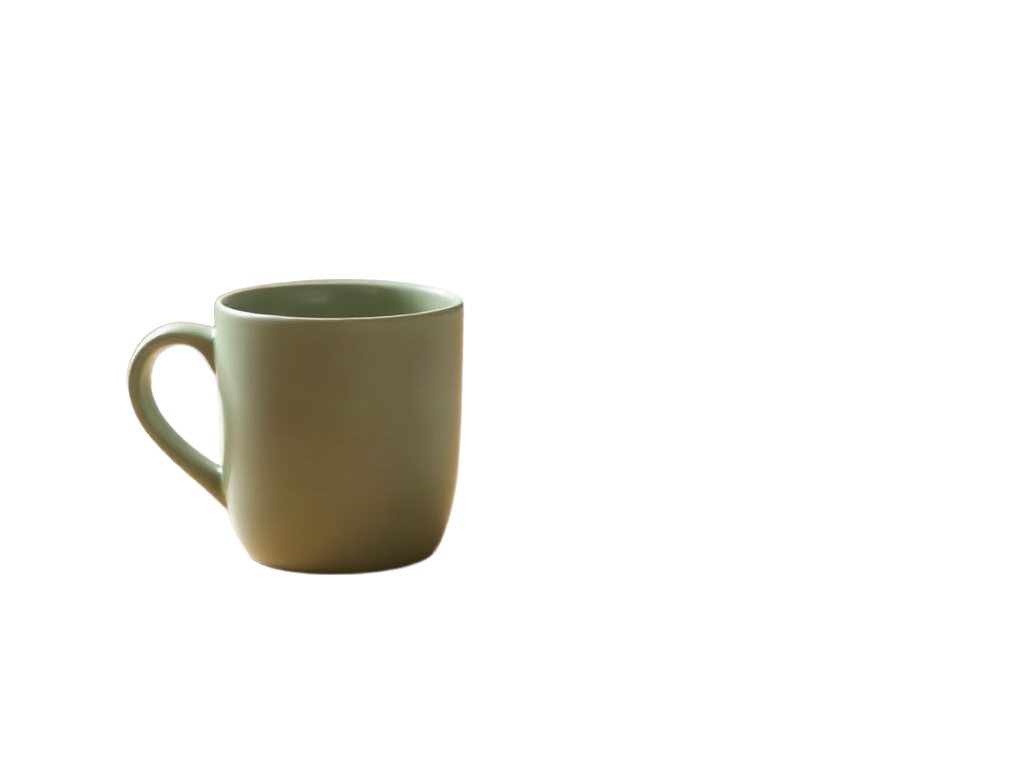
one take from our run of the "White background packshot" flow (5 credits for the whole run) Keep a transparent cut-out for banners and ads.
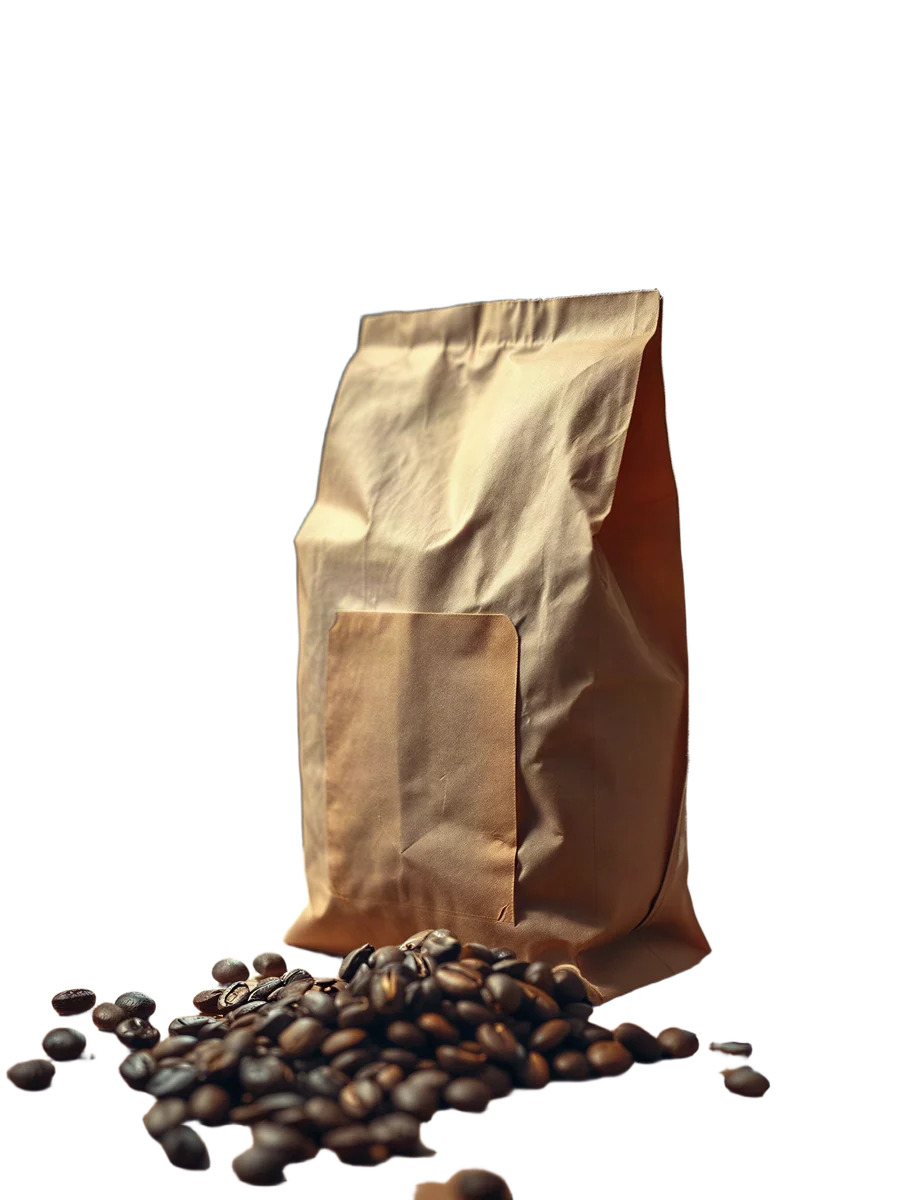
one take from our run of the "Clean product cutout" flow (30 credits for the whole run) Place the product in lifestyle scenes.
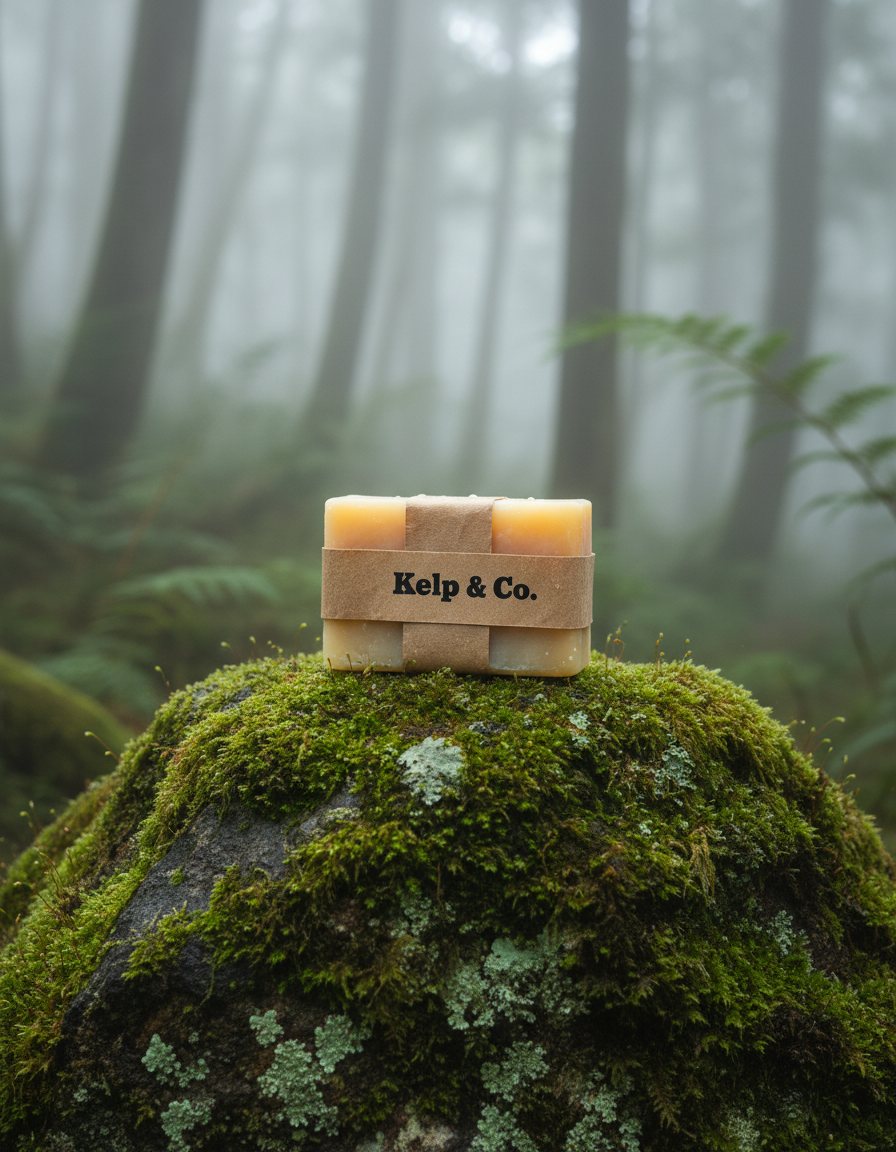
one take from our run of the "Product × backgrounds batch" flow (30 credits for the whole run) Relight a scene to match a season or a mood.
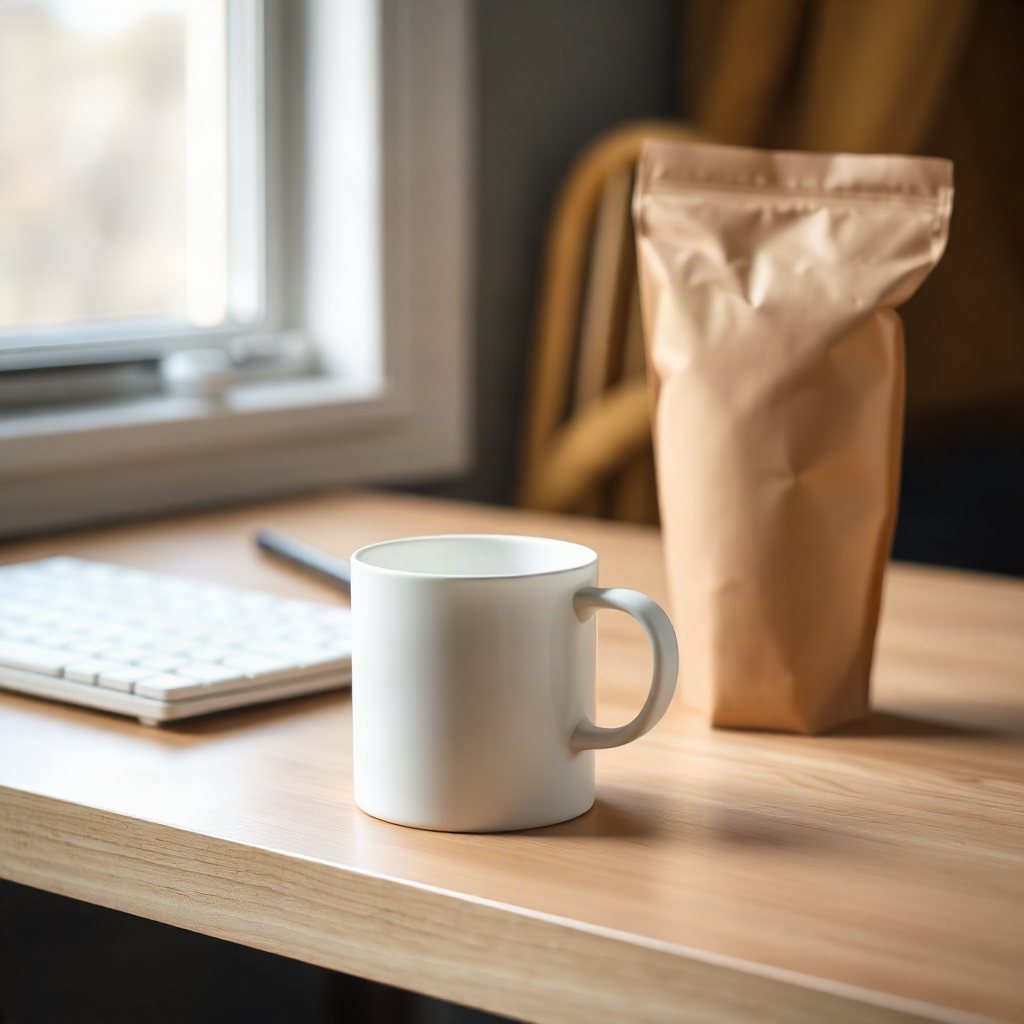
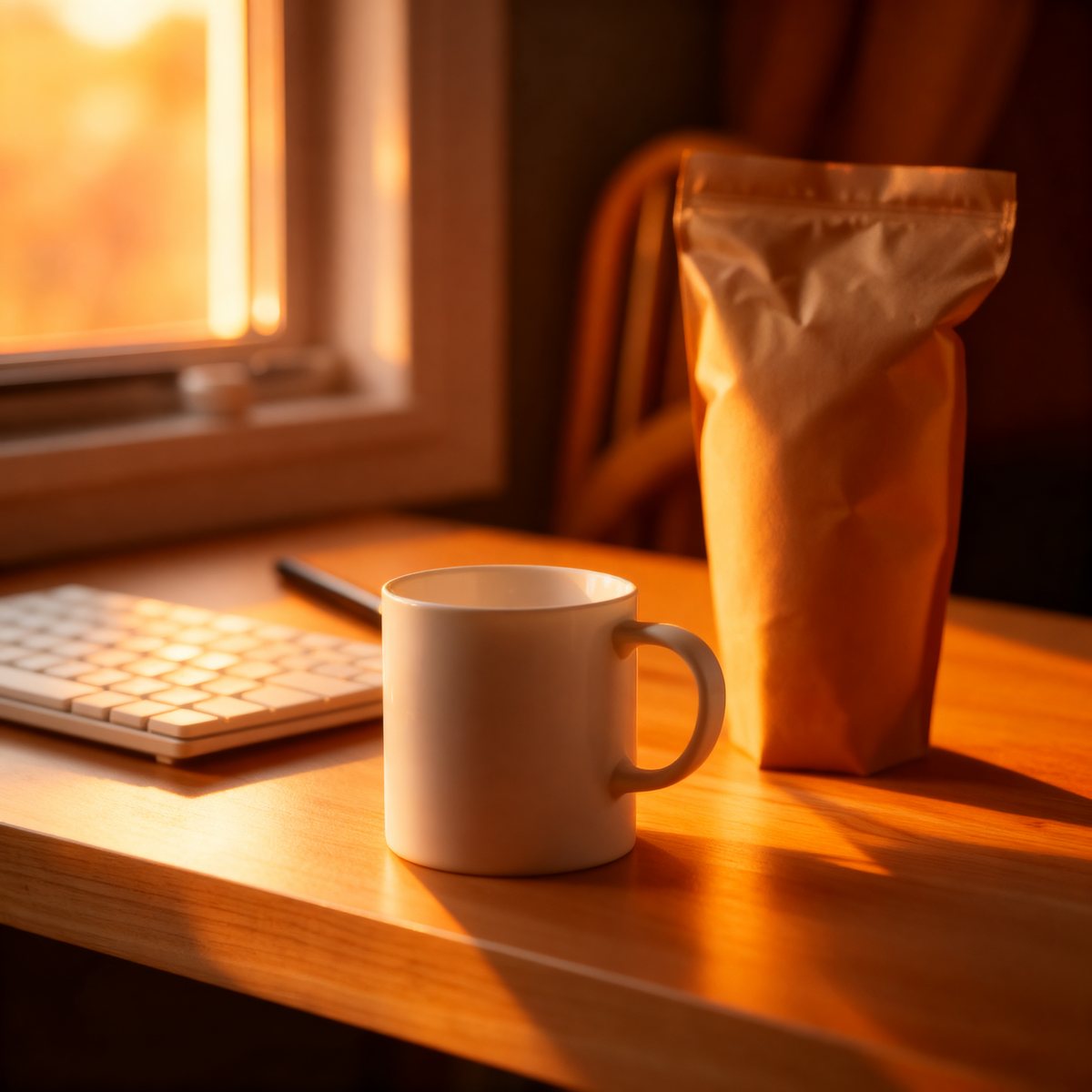
before · after · 10 credits
Questions
- What background do marketplaces want?
- Many ask for a pure white background on the main image; check your marketplace's image rules.
- What size should product photos be?
- Square 2000 × 2000 px is a safe default for zoom; check your store theme.
- Can I use AI photos for my listings?
- Show the real product as it is: AI can change the setting and the light, but the product itself should match what the buyer gets.
- What does an AI product photo generator do?
- It makes new pictures from one photo of your product: a packshot on white, the product on a new background, or a lifestyle scene. The product should stay as it is in your photo, so check labels and small text before a picture goes into a listing.
Free credits every month
Sign in with Google and get 50 free credits every month. Unused credits do not roll over. Your credits also work in Claude Code, Codex and OpenCode through the BrShot MCP server.
Signing in shares your Google email address with BrShot; the privacy note says what we keep and for how long. Privacy note.