Free video tools
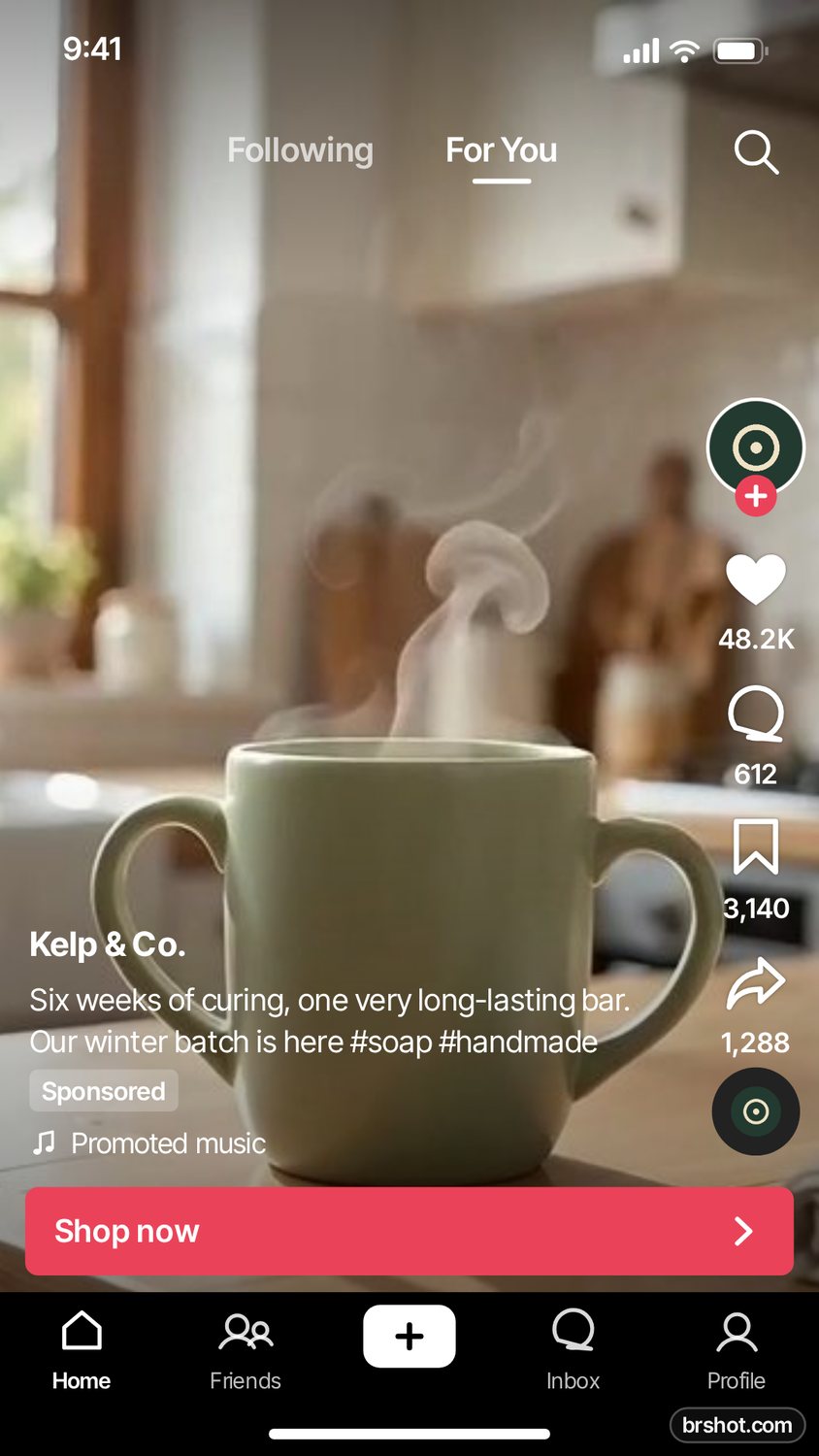
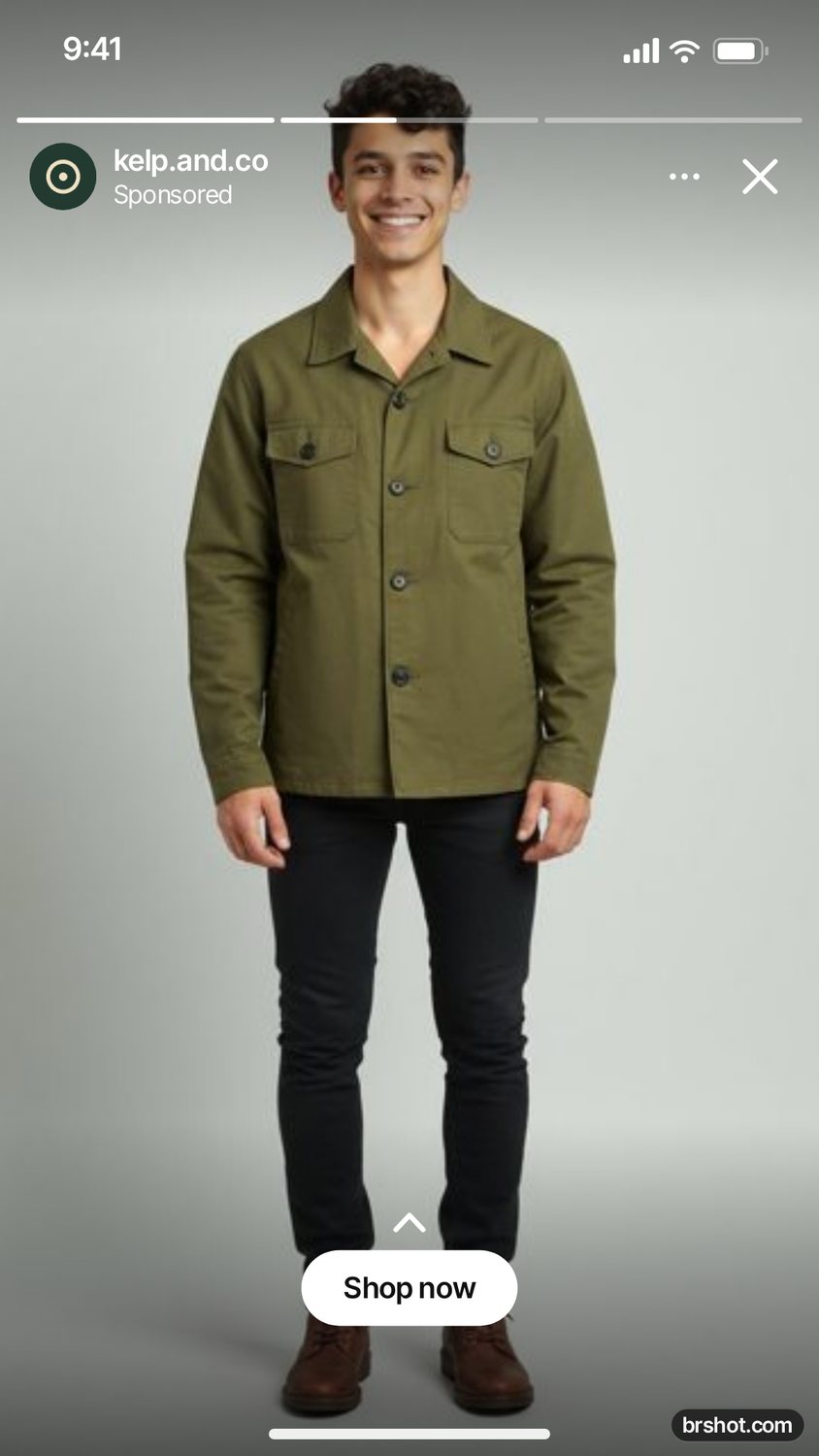
Grab sharp stills from a clip, turn it into a GIF, and check that your text sits clear of the Reels and TikTok buttons. Nothing is uploaded.
Video files are read in your browser, frame by frame, so even long clips never leave your device. Frame grabs are your own pictures and carry no mark; GIFs and safe-zone previews carry a small brshot.com mark.
FREE · TOOL
Safe-zone checker
See what the Reels, TikTok and Stories buttons cover.
Runs in your browser
Instagram Reels safe zoneTikTok safe zoneInstagram Story safe zone
All 6 tools and their 18 pages
Questions
- Which video files work?
- MP4, MOV and WebM from phones, cameras and screen recorders. Fragmented MP4 files are not supported yet.
- How long can a clip be for a GIF?
- Up to 10 seconds. Longer GIFs get very large, so a short loop keeps the file small.
- Where do I check if my captions are covered?
- Use the safe-zone checker with a frame from your video. It shades what the Reels, Stories, TikTok and Shorts buttons cover.
Other groups
Free social media mockup toolsFree image toolsFree text tools for social and adsFree tools for ad makers
Free credits every month
Sign in with Google and get 50 free credits every month. Unused credits do not roll over. Your credits also work in Claude Code and Codex through the BrShot MCP server.
Signing in shares your Google email address with BrShot; the privacy note says what we keep and for how long. Privacy note.