Free tool · mockup
Text message and chat mockup
Type a conversation and get an iPhone-style messages screen or a WhatsApp-style chat, with photos, ticks, group names and dark mode. Download a PNG.
The editor loads here. It needs JavaScript, and runs in your browser.
Our example
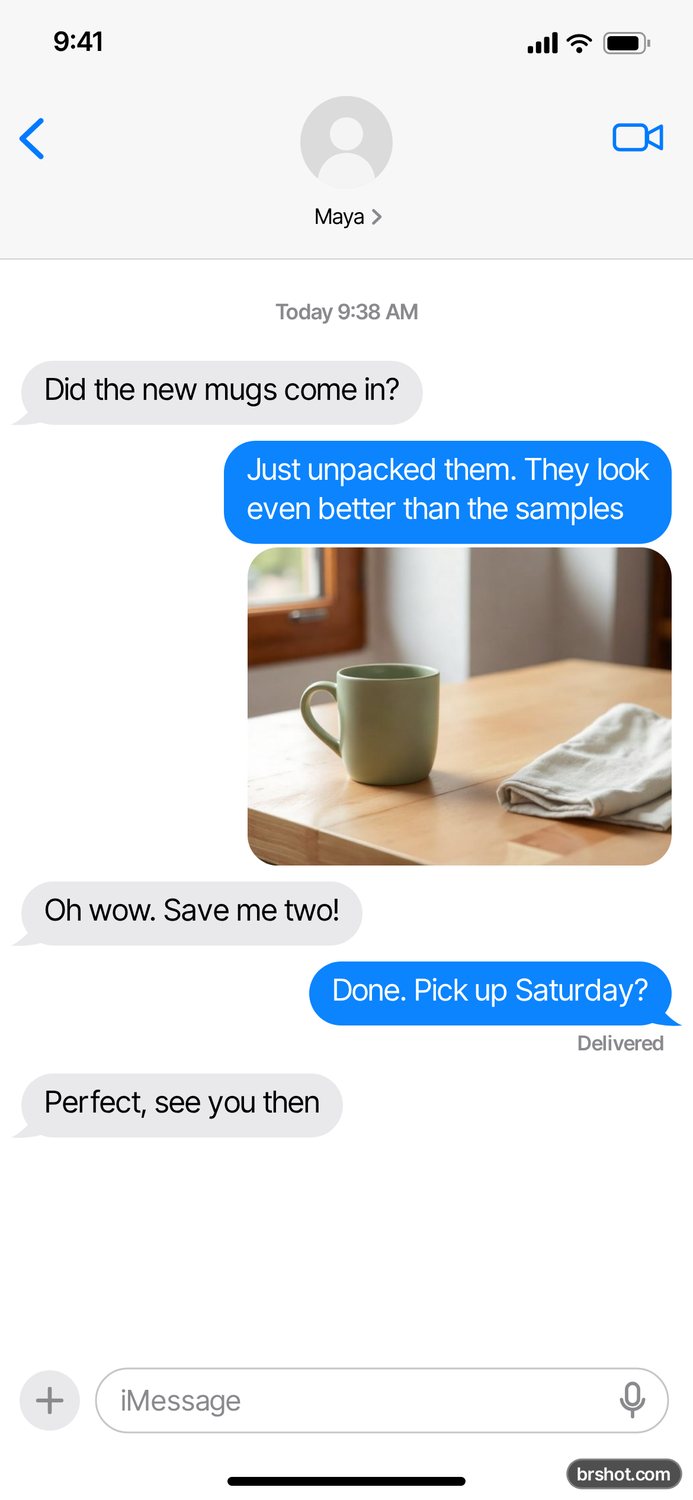
What the text message and chat mockup is good for
- Show a customer conversation in an ad storyboard or a pitch.
- Make a comedy chat or a meme for social posts.
- Mock up a support or booking flow by chat for a client.
- Make chat visuals for a video edit, as one screen or a long screenshot.
How it works
- Pick iPhone messages or a WhatsApp-style chat.
- Write one message per line. Start your own messages with >.
- Add photos, a contact photo and a name.
- Press Download PNG.
Facts
| Price | free |
|---|---|
| Where it runs | in your browser; your images stay on your device |
| Output | 1170 × 2532 PNG |
| Mark | a small brshot.com mark in the bottom-right corner of every export |
Questions
- Is the fake text message generator free?
- Yes. The mockup tools are free and run in your browser. Each PNG carries a small brshot.com mark in the bottom-right corner, so a mockup is always marked as one.
- How do I write who says what?
- One message per line. A line that starts with > is yours, any other line is theirs. A line that starts with -- is a date line. In a group chat, write Name: message.
- Can I add photos to the chat?
- Yes. Upload photos and write [photo] on its own line where each one goes.
- Can I make a WhatsApp-style chat?
- Yes. Pick the WhatsApp-style chat. It has the green bubbles, ticks, times inside the bubbles and the beige background, in light or dark.
- Are my messages uploaded?
- No. Everything you type and upload stays in your browser.
- Can I make an iMessage-style chat in dark mode?
- Yes. Pick iPhone messages and set the theme to Dark. The WhatsApp-style chat has a dark theme too.
- Can I show green SMS bubbles?
- Yes. In the iPhone style, tick Green bubbles and your messages show as SMS.
- Can I make a group chat?
- Yes. Tick Group chat and write Name: message on each line. The group name goes at the top.
- Can I get the whole conversation as one image?
- Yes. Tick Long screenshot and the PNG holds the whole chat, not only one screen.
Part of
More mockups
Instagram feed mockupInstagram post mockupStory and reel mockupTikTok ad mockupAd preview boardX post mockupTikTok comment mockupLinkedIn post previewYouTube thumbnail preview
Free credits every month
Sign in with Google and get 50 free credits every month. Unused credits do not roll over. Your credits also work in Claude Code and Codex through the BrShot MCP server.
Signing in shares your Google email address with BrShot; the privacy note says what we keep and for how long. Privacy note.