Free tool · mockup
X post mockup
Type a post and get an X-style post card with your name, photo, images, a quoted post and the counts, in light, dim or dark. Download a PNG.
The editor loads here. It needs JavaScript, and runs in your browser.
Our example
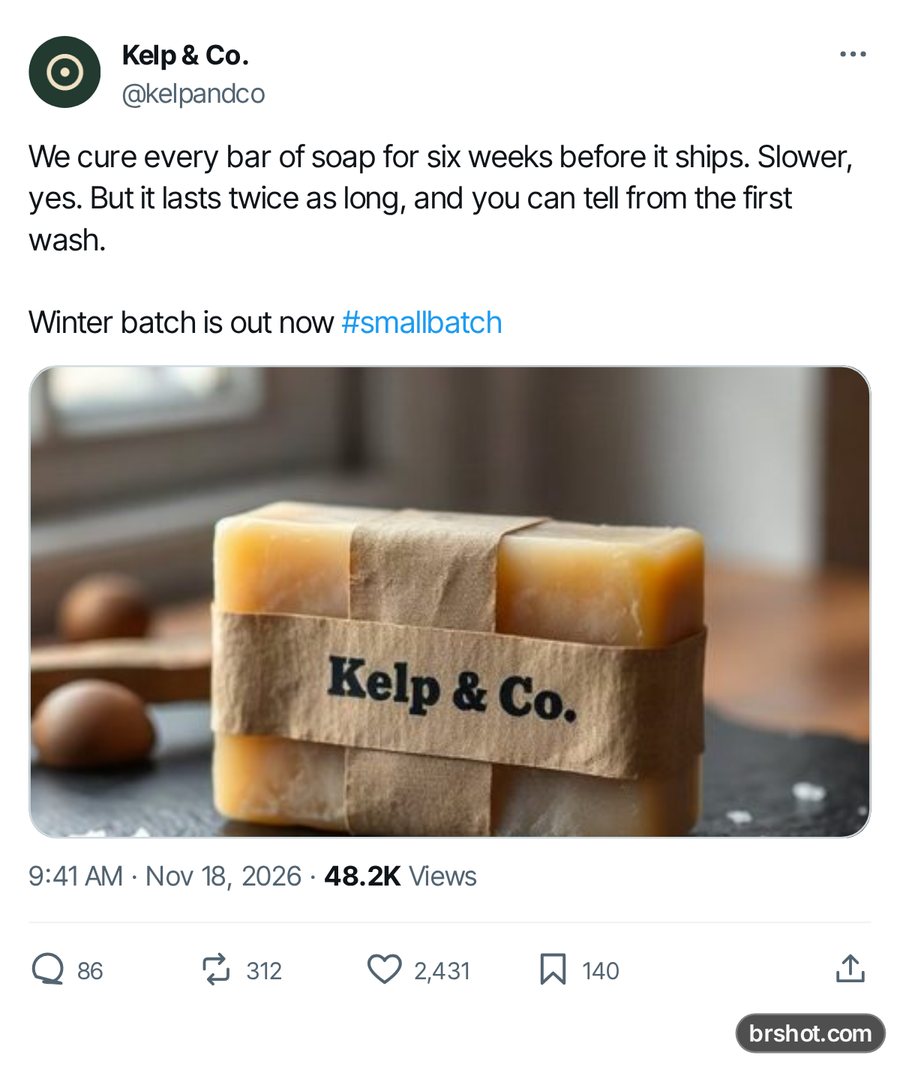
What the X post mockup is good for
- Show a launch announcement or a quote in a pitch deck.
- Make a post visual for a video edit or a carousel slide.
- Check how a long post folds at Show more before you publish it.
- Make a meme or a comedy post for social.
How it works
- Add a profile photo, a name and a handle.
- Write the post and add up to 4 images.
- Set the time, the views and the counts, and pick the theme.
- Press Download PNG.
Facts
| Price | free |
|---|---|
| Where it runs | in your browser; your images stay on your device |
| Output | 1200 px wide PNG |
| Mark | a small brshot.com mark in the bottom-right corner of every export |
Questions
- Is the fake tweet generator free?
- Yes. The mockup tools are free and run in your browser. Each PNG carries a small brshot.com mark in the bottom-right corner, so a mockup is always marked as one.
- Can I add images to the post?
- Yes. Up to 4, laid out as one, two side by side, one large with two small, or a grid of four.
- Can I quote another post?
- Yes. Tick Quote another post and fill in the name, the handle and the text.
- What happens with a long post?
- Over 280 characters the post is cut with Show more, as long posts are shown in a feed.
- Is this an official X tool?
- No. It is an independent mockup tool. It is not affiliated with X.
Part of
More mockups
Instagram feed mockupInstagram post mockupStory and reel mockupTikTok ad mockupAd preview boardText message mockupTikTok comment mockupLinkedIn post previewYouTube thumbnail preview
Free credits every month
Sign in with Google and get 50 free credits every month. Unused credits do not roll over. Your credits also work in Claude Code and Codex through the BrShot MCP server.
Signing in shares your Google email address with BrShot; the privacy note says what we keep and for how long. Privacy note.