Free tool · template
Church Instagram post template
A church post, set up as a starting point: put in your own photo and caption and see it as it will look in the feed.
The editor loads here. It needs JavaScript, and runs in your browser.
Our example
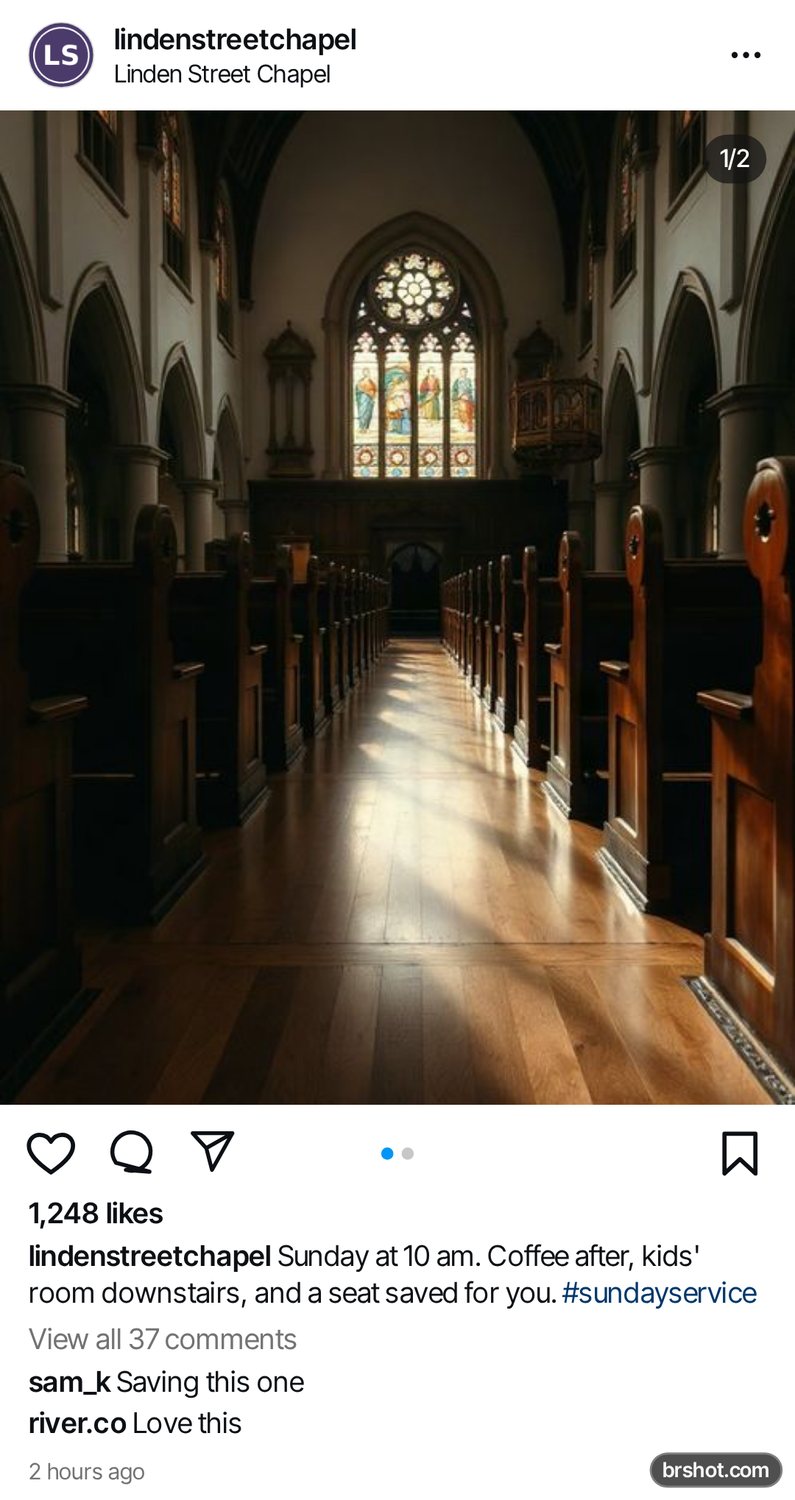
What the church Instagram post template is good for
- Sunday service times
- A holiday service or a concert
- A community meal or a volunteer day
How it works
- Add a profile photo and a username.
- Upload one photo, or several for a carousel.
- Write the caption and set the likes and comments.
- Press Download PNG.
Facts
| Price | free |
|---|---|
| Where it runs | in your browser; your images stay on your device |
| Output | 1080 px wide PNG |
| What to show | the space itself: the pews, the light, the doors open |
| Caption | the service or the event and its time first, then a warm welcome line |
| Button, if Sponsored | Learn more |
| Mark | a small brshot.com mark in the bottom-right corner of every export |
Questions
- What should a church post show?
- The space in warm light, so a newcomer can picture walking in.
- What goes first in the text?
- The event and its time, then a short, welcoming line.
Templates
BakeryBookCoffee shopDental practiceFitnessHotelMusicPetPhotographyPodcastReal estateRestaurantTravelWedding
More mockups
Instagram feed mockupStory and reel mockupTikTok ad mockupAd preview boardText message mockupX post mockupTikTok comment mockupLinkedIn post previewYouTube thumbnail preview
Free credits every month
Sign in with Google and get 50 free credits every month. Unused credits do not roll over. Your credits also work in Claude Code and Codex through the BrShot MCP server.
Signing in shares your Google email address with BrShot; the privacy note says what we keep and for how long. Privacy note.