Free tool
Colour palette generator from an image
Add a photo, a logo or a mood board and get its main colours as a palette, with HEX codes, ready for a brand guide or your CSS.
The tool loads here. It needs JavaScript, and runs in your browser.
Our example
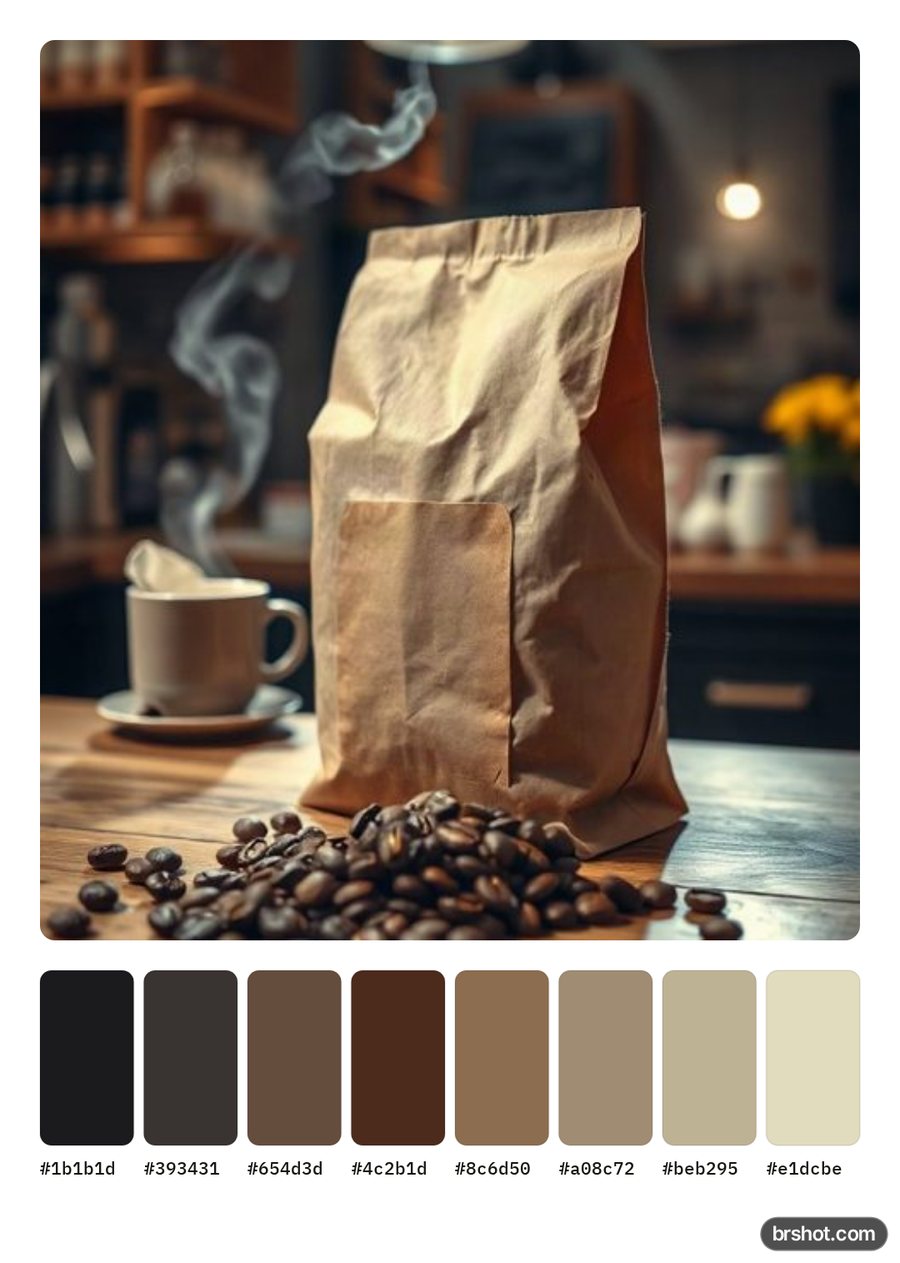
What it is good for
- Build a brand palette from a logo or a product photo.
- Take the colours of a mood board for a campaign.
- Give a designer or a developer the exact colours as CSS variables.
- Make a palette card to share with a client.
How it works
- Add your image, or try the example photo.
- The palette is already shown. Pick 5, 6, 7 or 8 colours.
- Copy one colour, or copy all as CSS variables.
- Download the palette card as a PNG.
Facts
| Price | free |
|---|---|
| Where it runs | in your browser; nothing is uploaded |
| Colours | 8 by default; 5 to 8 |
| Order | most used colour first, with its share of the image |
| Method | median cut, then refined: the same image always gives the same palette |
| Mark | a small brshot.com mark in the bottom-right corner of the image it makes |
Questions
- How do I get a colour palette from an image?
- Add the image here. The tool finds its main colours and lists them, most used first, with HEX, RGB and HSL codes.
- Can I use the palette for my brand colours?
- Yes. The codes are exact colours from your image. Pick the ones that fit your brand and copy them as HEX or CSS variables.
- Why does a small accent colour not show up?
- The palette shows the colours that cover the most of the image. Raise the number of colours, or click the accent in the image to pick it.
- Is it free?
- Yes. It runs in your browser. The palette card PNG carries a small brshot.com mark in the bottom-right corner.
Part of
Same tool, other settings
More free tools
Aspect ratio calculatorBefore and after makerBlur and pixelateCharacter counterGIF makerImage compressorImage converterImage splitterInstagram fontsPhone and browser mockupMeme generatorNo-crop borderSafe-zone checkerSocial image resizerUTM link builderVideo frame extractorWatermark maker
Free credits every month
Sign in with Google and get 50 free credits every month. Unused credits do not roll over. Your credits also work in Claude Code and Codex through the BrShot MCP server.
Signing in shares your Google email address with BrShot; the privacy note says what we keep and for how long. Privacy note.