Guide
YouTube thumbnail size
YouTube recommends 3840 × 2160 pixels (16:9) for a video thumbnail, with a minimum width of 640 pixels; 1280 × 720 is the older recommendation and still looks sharp on most screens. Upload a JPG or PNG: up to 50 MB on a computer, 2 MB from the mobile app. Shorts thumbnails are 9:16 (2160 × 3840). Figures from YouTube Help, checked November 2026.
Step by step
Start from a 16:9 image: 3840 × 2160 if you have it, 1280 × 720 at least. A wider or taller image gets cropped.
Keep the face or the product large and the text to a few words: most people see the thumbnail at phone size in search and in the sidebar.
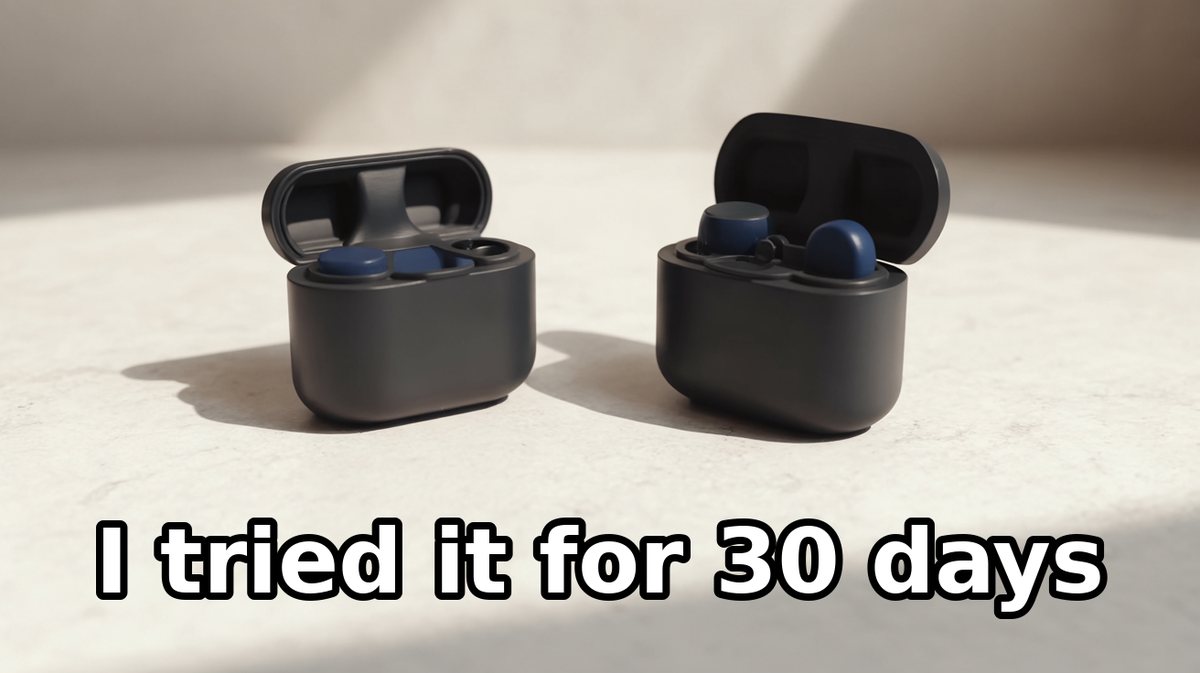
one take from our run of the "YouTube thumbnail maker" flow (40 credits for the whole run) Keep the bottom-right corner clear: YouTube puts the video length there.
Save as JPG or PNG under the size limit, then upload it in YouTube Studio under Details > Thumbnail. Custom thumbnails need a verified account.
YouTube thumbnail specs
| Spec | Value |
|---|---|
| Recommended size (videos) | 3840 × 2160 px |
| Older common size | 1280 × 720 px |
| Aspect ratio (videos) | 16:9 |
| Minimum width (videos) | 640 px |
| Shorts thumbnail | 2160 × 3840 px, 9:16, minimum height 640 px; set in YouTube Studio on a computer |
| File types | JPG or PNG |
| File size, computer | Up to 50 MB |
| File size, mobile app | Up to 2 MB (10 MB for podcasts) |
| Verification | A verified channel is needed for custom thumbnails |
Questions
- Is 1280 x 720 still OK?
- Yes. It is above the 640 px minimum and is YouTube's older recommendation. 3840 × 2160 keeps the image sharp on large screens and TVs.
- Why is my thumbnail upload failing?
- Check the three limits: 640 px minimum width, the file size (2 MB from the app, 50 MB on a computer) and a verified account.
- What size is a YouTube Shorts thumbnail?
- 9:16, with 2160 × 3840 recommended. Custom Shorts thumbnails are set in YouTube Studio on a computer.
- Can I make a thumbnail from my product photo?
- Yes: the YouTube thumbnail flow makes two 16:9 styles from one product photo and your video title, and the preview tool shows them next to real search results.
Free credits every month
Sign in with Google and get 50 free credits every month. Unused credits do not roll over. Your credits also work in Claude Code, Codex and OpenCode through the BrShot MCP server.
Signing in shares your Google email address with BrShot; the privacy note says what we keep and for how long. Privacy note.