Glossary · camera and shots
Storyboard
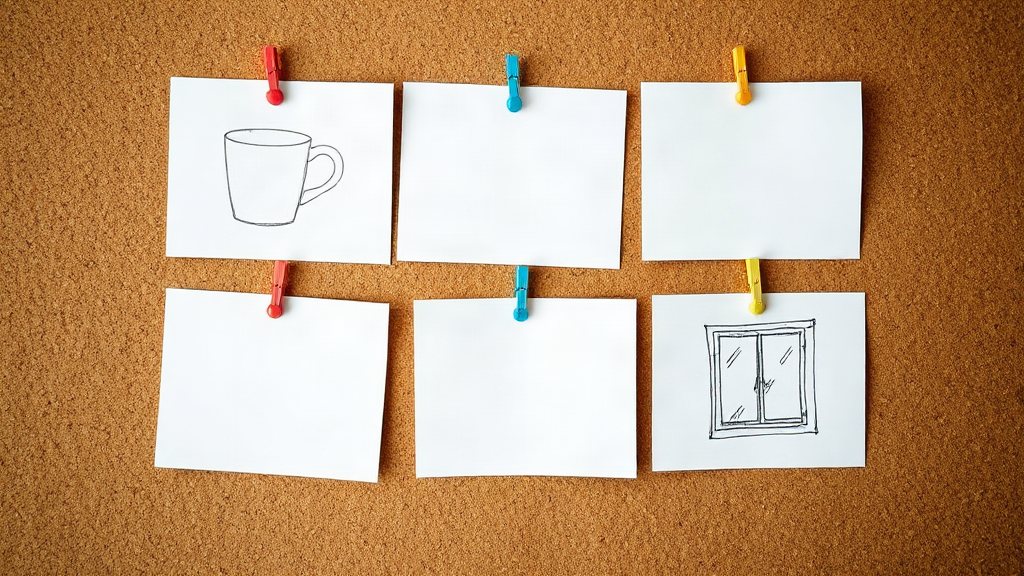
A storyboard is a sequence of simple frames, one per shot, that shows what a video will look like before it is made: the framing, the action and the order of the shots.
Our example
When to use it
- Planning a short ad before you generate any clips
- Agreeing on shots with a client before you spend credits
- Keeping the same product and character across several shots
How to ask an AI model for it
Write one line per shot: the framing (wide, medium, close-up), the action and the camera move. Generate each line as a still first, then turn the stills you keep into clips.
Questions
- What goes in each frame of a storyboard?
- The framing, what moves, the camera move and any line of voice-over or caption. Rough sketches are enough.
- How many frames does a short ad need?
- A 15-second ad usually has 3 to 5 shots: a hook, the product, the benefit and the call to action.
- Can I make the storyboard frames with AI?
- Yes. Make each frame as a still, keep the ones that work, and use them as the start frames of the clips.
Free credits every month
Sign in with Google and get 50 free credits every month. Unused credits do not roll over. Your credits also work in Claude Code, Codex and OpenCode through the BrShot MCP server.
Signing in shares your Google email address with BrShot; the privacy note says what we keep and for how long. Privacy note.