Model · image
BRIA · background removal on BrShot
BRIA · background removal finds the main subject of a photo and returns it on a transparent background, at the photo's own size.
Our example
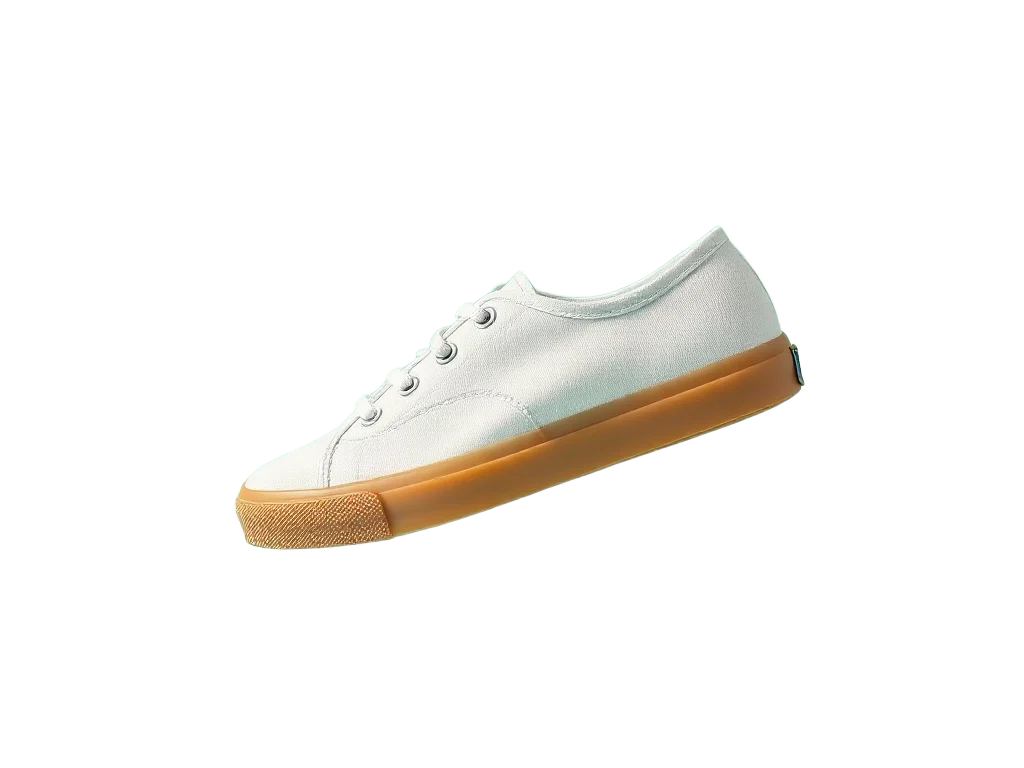
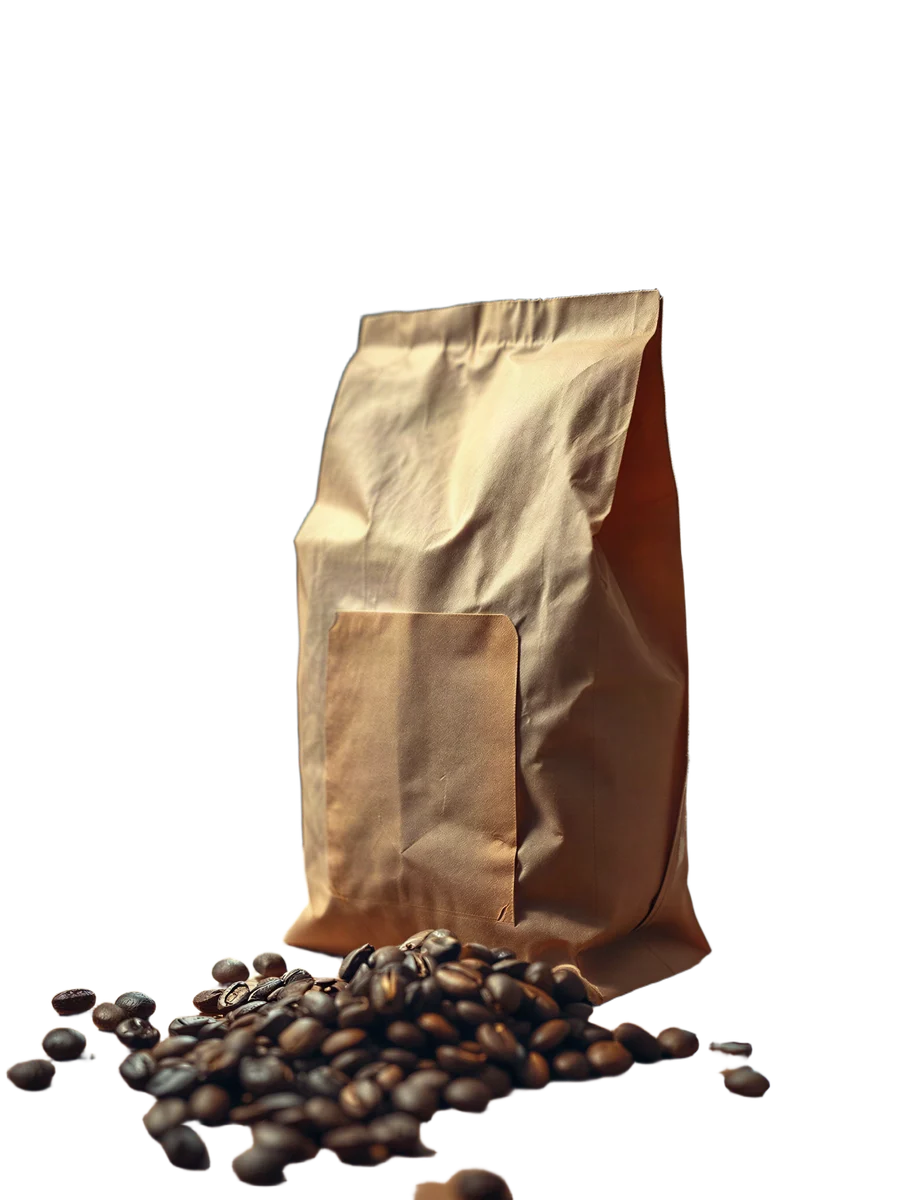
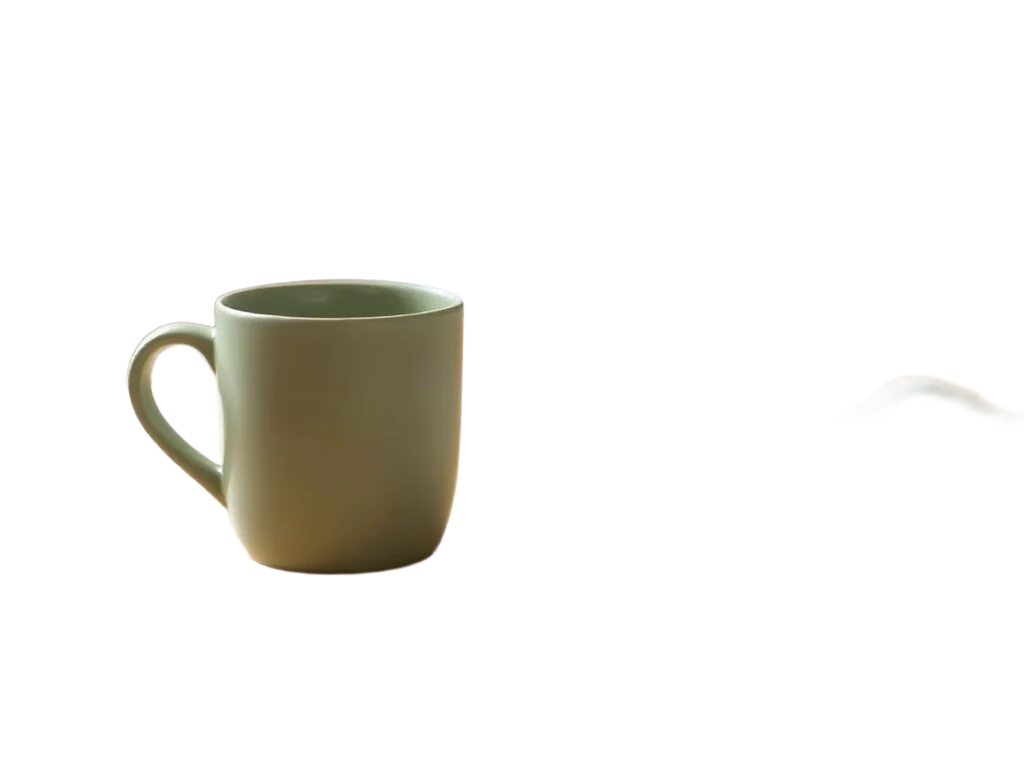
Facts
| Kind | Still image |
|---|---|
| Price | 5 credits per image |
| Inputs | only the reference image |
| Reference images | 1 image |
| Our own run | 5 credits, 1024×768 |
Where it is used
Run it from Claude Code
With the BrShot MCP server, ask for it in plain words, for example:
“Use BrShot with BRIA to cut out sneaker.jpg on a transparent background”
“Quote it first and tell me the price before you run it.”
Questions
- What do I get?
- A PNG with a transparent background.
- What does it cost?
- 5 credits per image.
Free credits every month
Sign in with Google and get 50 free credits every month. Unused credits do not roll over. Your credits also work in Claude Code and Codex through the BrShot MCP server.
Signing in shares your Google email address with BrShot; the privacy note says what we keep and for how long. Privacy note.