Guide
How to make a product video
Make a product video from one photo: animate it with a named camera move, make a second shot from the same photo so the product stays the same, and add sound. Our own product clips below show each step.
Step by step
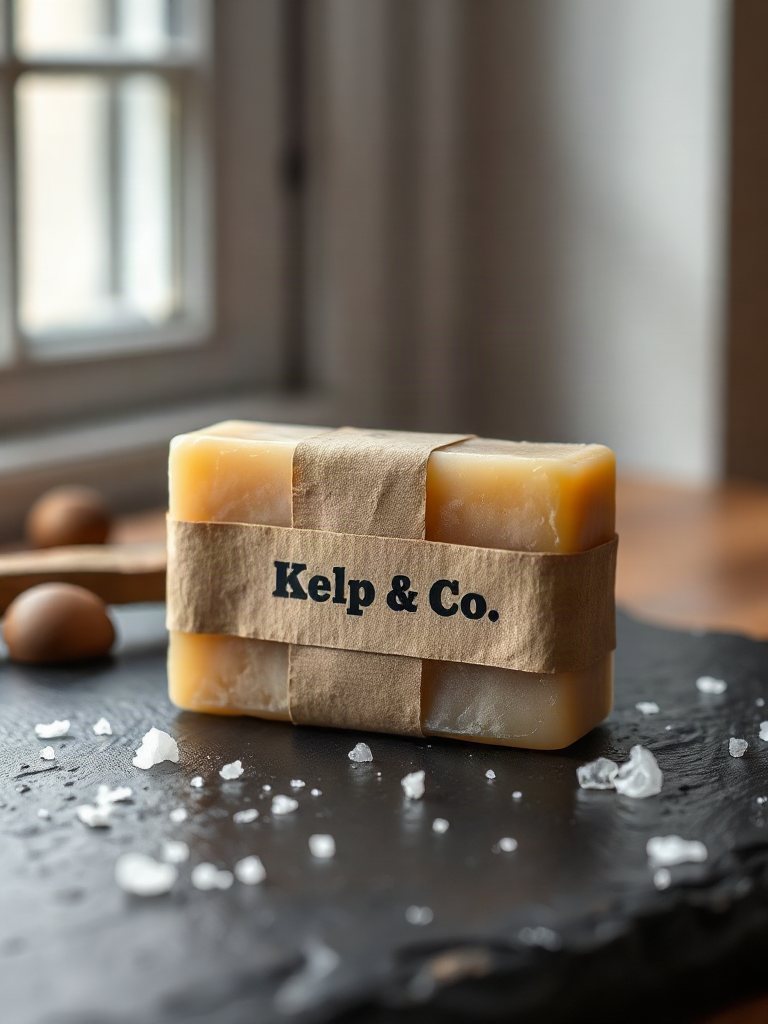
Start with a clear product still on a simple background.

1 credit · 1024×768 Animate it with one camera move: an orbit shows the whole product.
before · after · 40 credits Make more shots from the same photo, so the product keeps its shape and colour in each.
one take from our run of the "Same product across shots" flow (200 credits for the whole run) Add a fast hero move for the opening shot.
one take from our run of the "Hypermotion product shot" flow (50 credits for the whole run) Add sound that matches the action.
2 credits · 480×640
Questions
- How long should a product video be?
- 5 to 15 seconds for ads and product pages; longer for a demo.
- Which camera move works for products?
- Orbit and dolly-in. An orbit shows the shape, and a dolly-in draws the eye to a detail.
- Can I make a product video without filming?
- Yes. Every clip here started from one product photo.
- Is there an AI product video generator?
- Yes. The steps on this page are one: upload a product photo, pick a camera move, and you get a clip in which the product looks as it does in your photo. Each step shows its price in credits before it runs.
Free credits every month
Sign in with Google and get 50 free credits every month. Unused credits do not roll over. Your credits also work in Claude Code, Codex and OpenCode through the BrShot MCP server.
Signing in shares your Google email address with BrShot; the privacy note says what we keep and for how long. Privacy note.