Guide
How to make a product ad
A short product ad needs five parts: a clean product shot, a setting, movement, sound and the right shape for each placement. You can make all five from one product photo. Below is our own run, step by step, with each output.
Step by step
Start from one sharp photo of the product on a plain background, or make a clean cut-out of it.
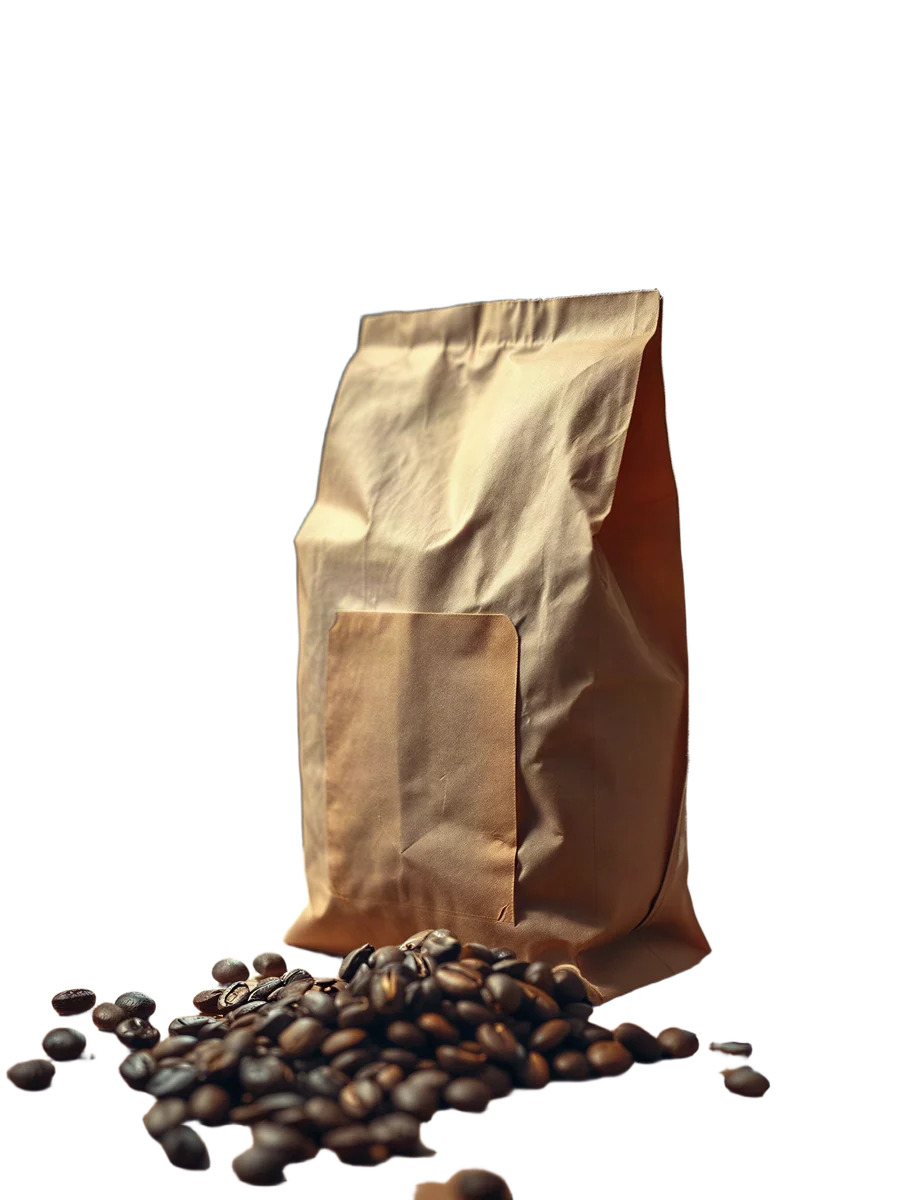
one take from our run of the "Clean product cutout" flow (30 credits for the whole run) Place it in the settings your buyers know: a kitchen, a desk, a picnic.
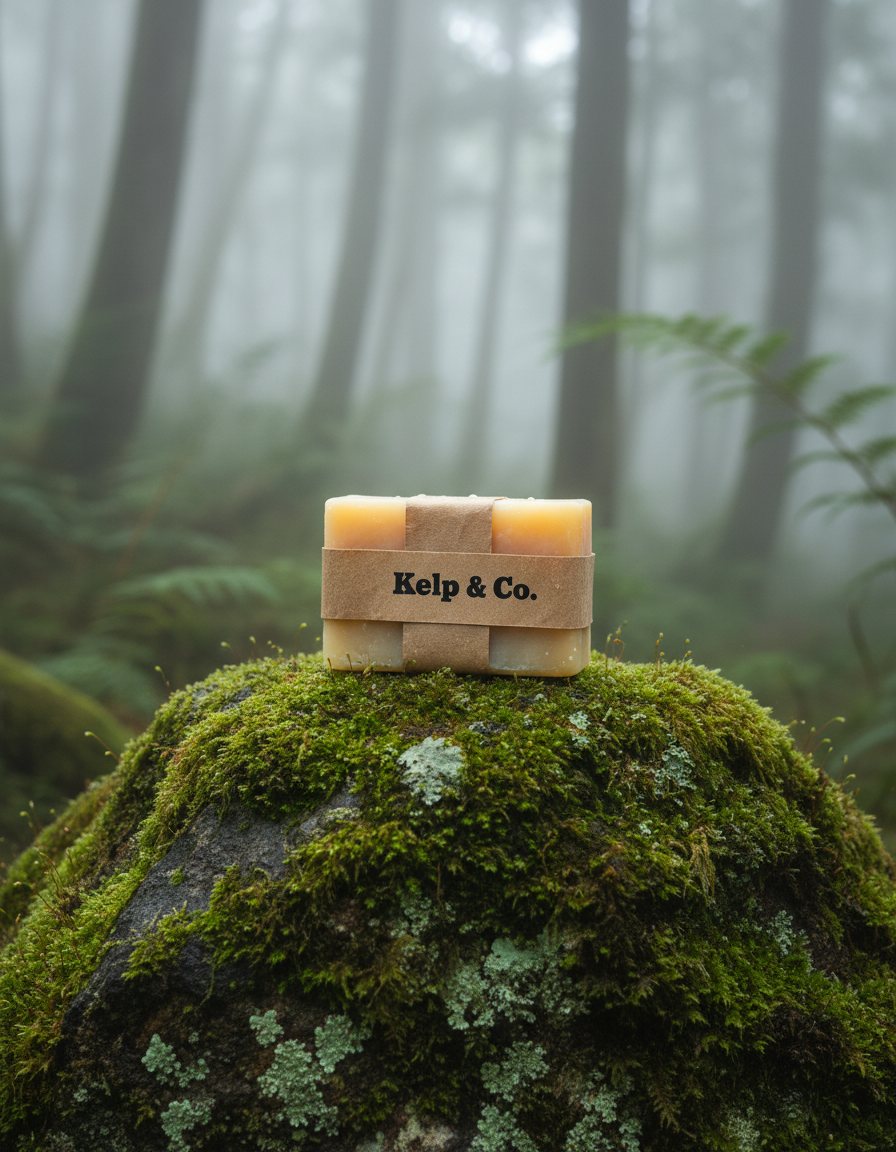
one take from our run of the "Product × backgrounds batch" flow (30 credits for the whole run) Turn the still into a 5-second clip with one named camera move, such as a dolly-in.
40 credits · 640×480 Add sound: a short jingle, or a voice-over that names one benefit.
one take from our run of the "Product ad with a jingle" flow (26 credits for the whole run) Cut the master to 9:16 and 1:1 with captions, one per placement.
one take from our run of the "Ad cut-downs: 9:16 and 1:1 with captions" flow (21 credits for the whole run)
Questions
- How long should a product ad be?
- 6 to 15 seconds for most feeds. Show the product in the first two seconds.
- Do I need a studio photo?
- No. A clear phone photo works: cut it out first, then place it in new settings.
- What does a product ad cost on BrShot?
- Each step is priced in credits before it runs; a fast draft still costs 1 credit per image.
- Can I keep the product the same in every shot?
- Yes: use the product photo as the reference in each step, so the shape and the label stay the same.
Free credits every month
Sign in with Google and get 50 free credits every month. Unused credits do not roll over. Your credits also work in Claude Code, Codex and OpenCode through the BrShot MCP server.
Signing in shares your Google email address with BrShot; the privacy note says what we keep and for how long. Privacy note.