Guide
Ad creative: what it is and how to make it
Ad creative is what people see in an ad: the image or video, the headline and the call to action. A strong one shows the product early, says one benefit and fits the placement. Make it from your product photo, then preview it in the feed before you spend on it.
Step by step
Make a hero image with room for the headline.

1 credit · 1024×576 Add a clear call to action that matches the landing page.
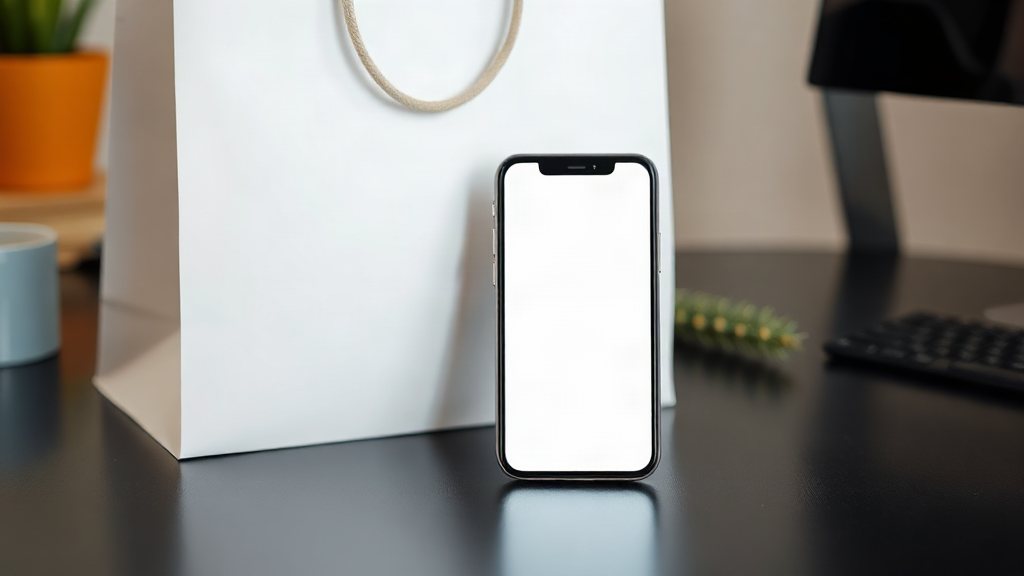
1 credit · 1024×576 Keep text inside the safe zone of each placement.

1 credit · 1024×576 Make a short video version for the placements that favour motion.
40 credits · 640×480 Preview the creative in a feed mockup, then test two versions against each other.
Questions
- What is the difference between ad creative and ad copy?
- Ad copy is the text; ad creative is the whole visible ad, including the image or video.
- How many creatives should I test?
- At least two that differ in one thing, such as the hook or the first frame, so you know what made the difference.
- How do I know if a creative works?
- Compare click-through rate and cost per result between versions; the CTR and A/B test calculators help.
Free credits every month
Sign in with Google and get 50 free credits every month. Unused credits do not roll over. Your credits also work in Claude Code, Codex and OpenCode through the BrShot MCP server.
Signing in shares your Google email address with BrShot; the privacy note says what we keep and for how long. Privacy note.